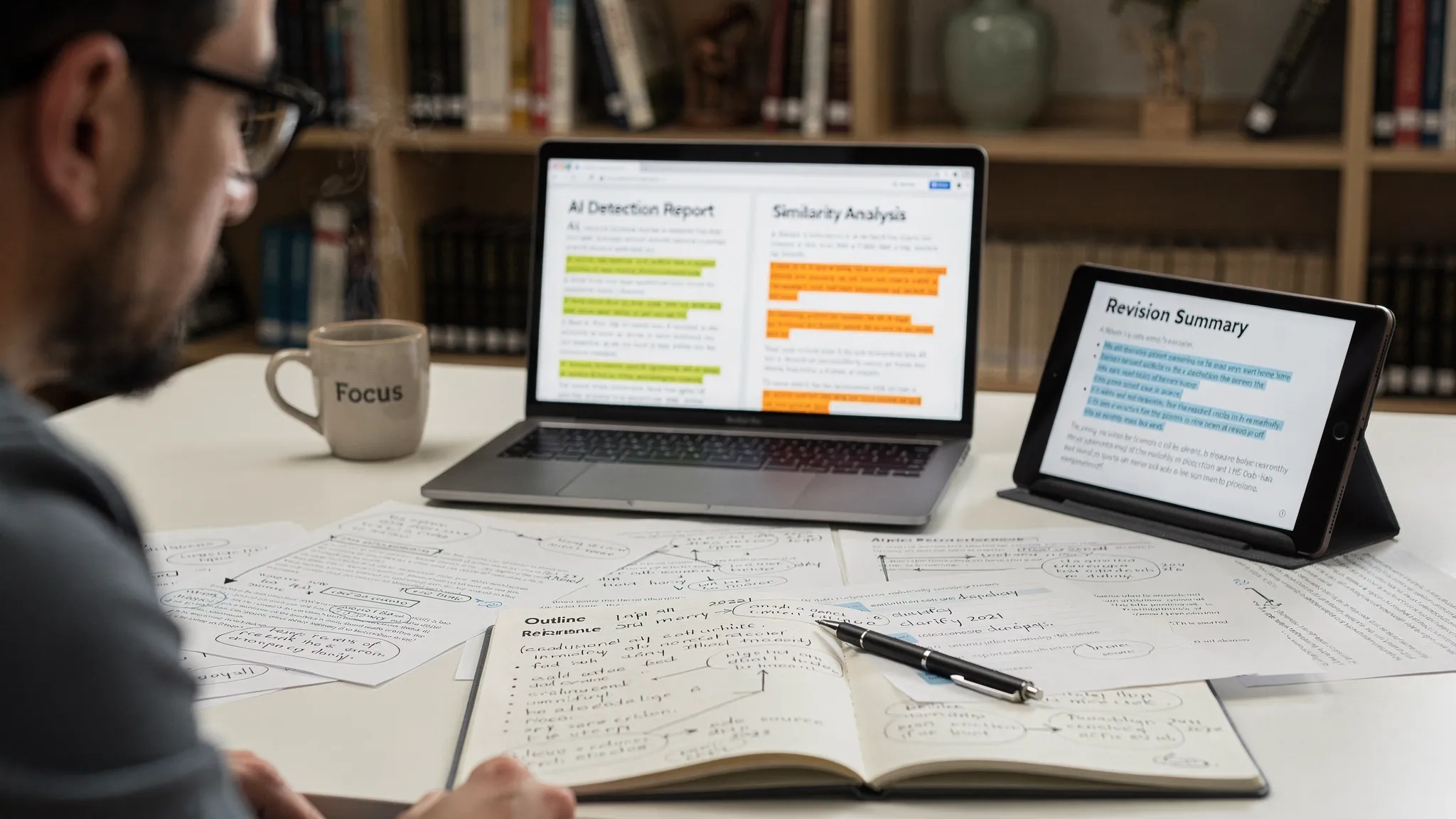
If your school uses Turnitin, you already know the biggest problem with “checking your work” ahead of time: you usually cannot access the same Turnitin AI report your instructor sees. That gap is exactly why students look for AI detector alternatives to Turnitin in 2026, either to reduce surprises before submission, or to sanity-check a questionable flag.
A good alternative is not “the detector that says 0% AI.” It is the one that helps you spot risk patterns, understand uncertainty, and improve the draft in a way you can defend if questions come up.
First, a reality check about AI detectors (including Turnitin)
AI detectors are probabilistic classifiers, not truth machines. They look for statistical signals that correlate with model-generated text, but those signals overlap with normal student writing, especially:
- formulaic academic structure (topic sentence, evidence, conclusion)
- highly polished grammar and transition-heavy prose
- writing by multilingual students (ESL bias is well documented)
Detection Drama has a research roundup on this, including the frequently cited finding that a majority of TOEFL-style essays were falsely flagged by some detectors: see AI detection bias against ESL students.
Even OpenAI discontinued its own AI Text Classifier in 2023, citing low accuracy in real-world use (announcement: OpenAI). That does not mean detection is useless, it means you should never rely on a single score to make high-stakes decisions.
Why students want Turnitin alternatives (and what “alternative” really means)
Most students are not actually replacing Turnitin. They are trying to:
- preflight a draft before submission
- cross-check a suspicious result (Turnitin vs other tools)
- understand what wording patterns trigger AI signals
- create a revision trail and evidence of authorship
If you are in the second scenario, it helps to know that Turnitin can disagree with web-facing detectors because it is tuned for academic submissions and long documents. Detection Drama breaks down the main reasons in Why Turnitin flags AI when other detectors don’t.
How to choose the best AI detector alternative to Turnitin (student-focused)
Here is a simple checklist that actually matches how universities handle disputes.
| What to evaluate | Why it matters for students | What to look for |
|---|---|---|
| Explainability | You need to revise and defend, not just see a number | sentence or passage highlights, downloadable report |
| False positive posture | Overconfident tools increase risk | language like “likelihood,” confidence bands, caveats |
| Academic fit | Many detectors are trained on marketing/blog text | long-form document support, formal tone handling |
| Privacy | Uploading coursework is sensitive | clear retention policy, no training on your text (if stated) |
| Workflow | You need speed and iteration | paste-in + file upload, quick re-checks |
A practical rule: if a tool refuses to acknowledge false positives, or markets itself as “guaranteed,” treat it as a red flag.
Best AI detector alternatives to Turnitin for students (2026)
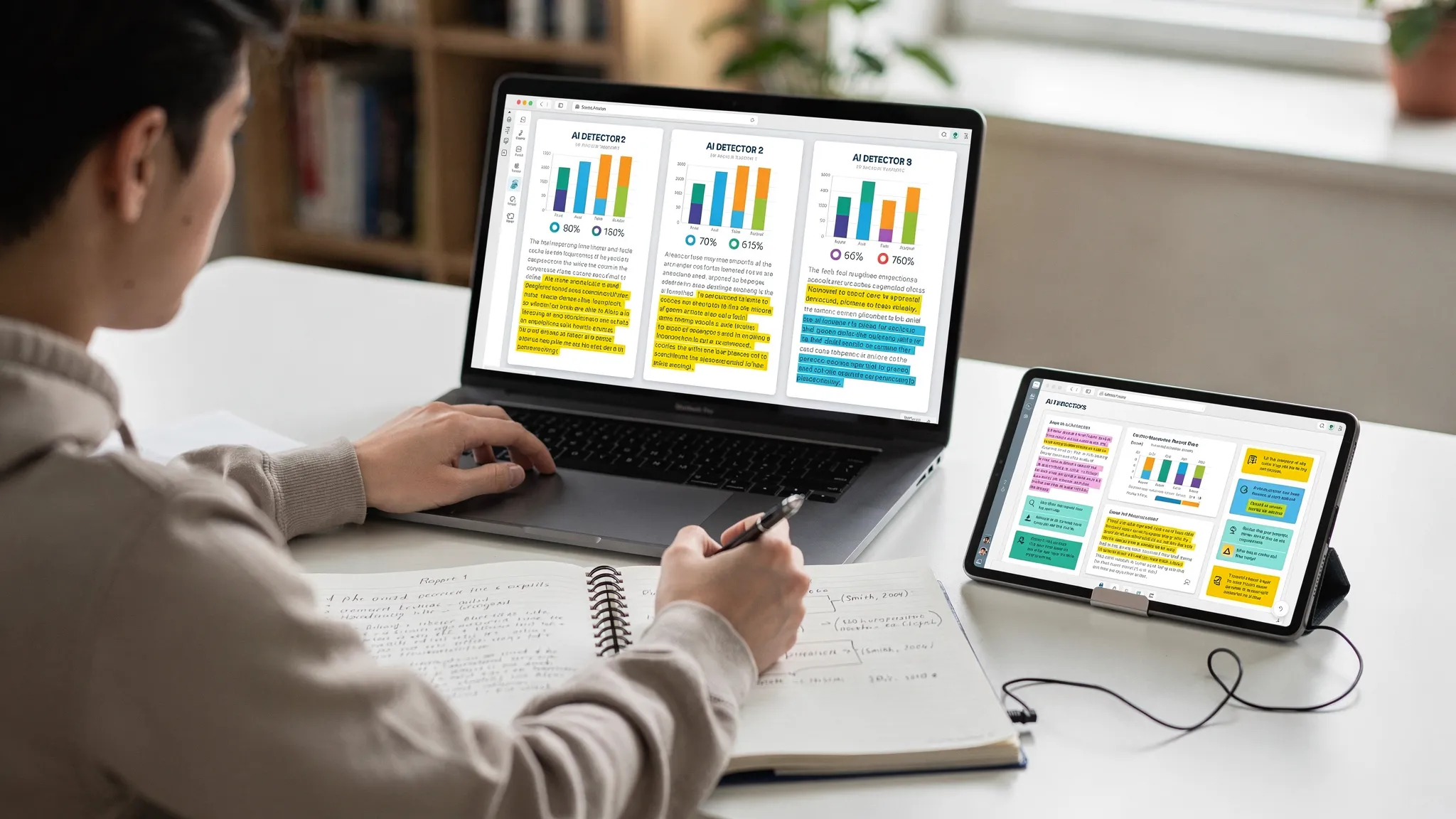
The best choice depends on your goal: preflight, cross-checking, or creating a defensible revision workflow. Below are the options that students most commonly use as Turnitin alternatives, along with what they are good at and where they fall short.
1) GPTZero (best for “second opinion” + classroom-style reports)
GPTZero is one of the most widely recognized student-facing AI detectors. Its biggest advantage is usability: it is designed for classroom conversations, with outputs that are easier to interpret than a single score.
Why students pick it
- clear document-level results, often with passage-level cues
- fast preflight checks for essays and short reports
- useful for triangulation when Turnitin flags unexpectedly
Where it can disappoint
- like all detectors, it can misread highly edited prose, templates, or heavily paraphrased text
- results can vary depending on how much “AI-like smoothing” your writing contains (including some grammar tools)
If you have been flagged and need to respond, focus less on “GPTZero says human” and more on evidence. Detection Drama’s Accused of AI use: what to do in the next 24 hours is a better playbook than hunting for a perfect detector score.
2) Copyleaks AI Detector (best for AI + plagiarism checks in one place)
Copyleaks is often used by schools and businesses, and it is one of the more “institution-adjacent” alternatives students can access directly.
Why students pick it
- offers both AI-content checks and plagiarism-style similarity workflows
- can be useful if your instructor is concerned about both authorship and sourcing
Trade-offs
- the UI and reporting can feel more enterprise-oriented
- you still need to validate with drafts and sources because an “AI score” alone rarely settles disputes
3) QuillBot’s AI Detector (best if you already use QuillBot to revise)
Many students already use QuillBot for paraphrasing and grammar cleanup. QuillBot also includes AI detection features (covered in Detection Drama’s QuillBot review).
Why students pick it
- convenient if your workflow already lives in QuillBot
- easy to iterate: revise, re-check, refine
Caution
- over-paraphrasing can create unnatural phrasing, which may hurt clarity even if a detector score drops
- treat the detector as a “risk indicator,” then revise for specificity and authentic reasoning, not just lower percentages
4) Originality.ai (best for advanced scanning, but more “publisher” than “student”)
Originality.ai is popular with web publishers and agencies. Students use it mainly when they want another strong external reference point.
Why it can help
- tends to be stricter than many free tools
- helpful for cross-checking AI risk across longer content
Why it may not be ideal for students
- the product is not designed specifically for academic writing disputes
- it is easy to over-interpret the output and chase a score instead of improving substance
5) Winston AI (best for readable reports and team-style auditing)
Winston AI is often chosen for its report experience and “audit” feel.
Best for
- students working in groups (team projects) who want a consistent checking method
- people who want a clean report to discuss patterns internally
Limitations
- as with most detectors, performance can swing on formal academic tone and heavily revised drafts
6) Writer.com AI Content Detector and similar free web detectors (best for quick triage)
Several companies offer free AI detectors that are easy to paste into. These are useful for quick triage, especially early drafts.
Use them when
- you want a fast “does this look risky?” signal
- you are comparing multiple detectors to see if they agree on the same passages
Do not use them for
- final “proof” that your text is human
- deciding to submit something you cannot defend with drafts, notes, and citations
7) “Multi-detector” dashboards (best for triangulation, not certainty)
Some platforms run your text through multiple models or multiple detectors so you can compare outcomes. This can be more useful than a single tool because agreement patterns matter.
On Detection Drama, you will see this approach discussed in reviews of tools that combine checking and revision workflows, for example Undetectable AI review and SupWriter review.
How to use multi-detector results like a pro
- look for passages that multiple tools highlight
- revise for specificity (course concepts, methods, local context, your data)
- re-check after revisions, but stop once the writing is clearly yours and academically solid
The best workflow in 2026: detect, revise, and document (not “beat the detector”)
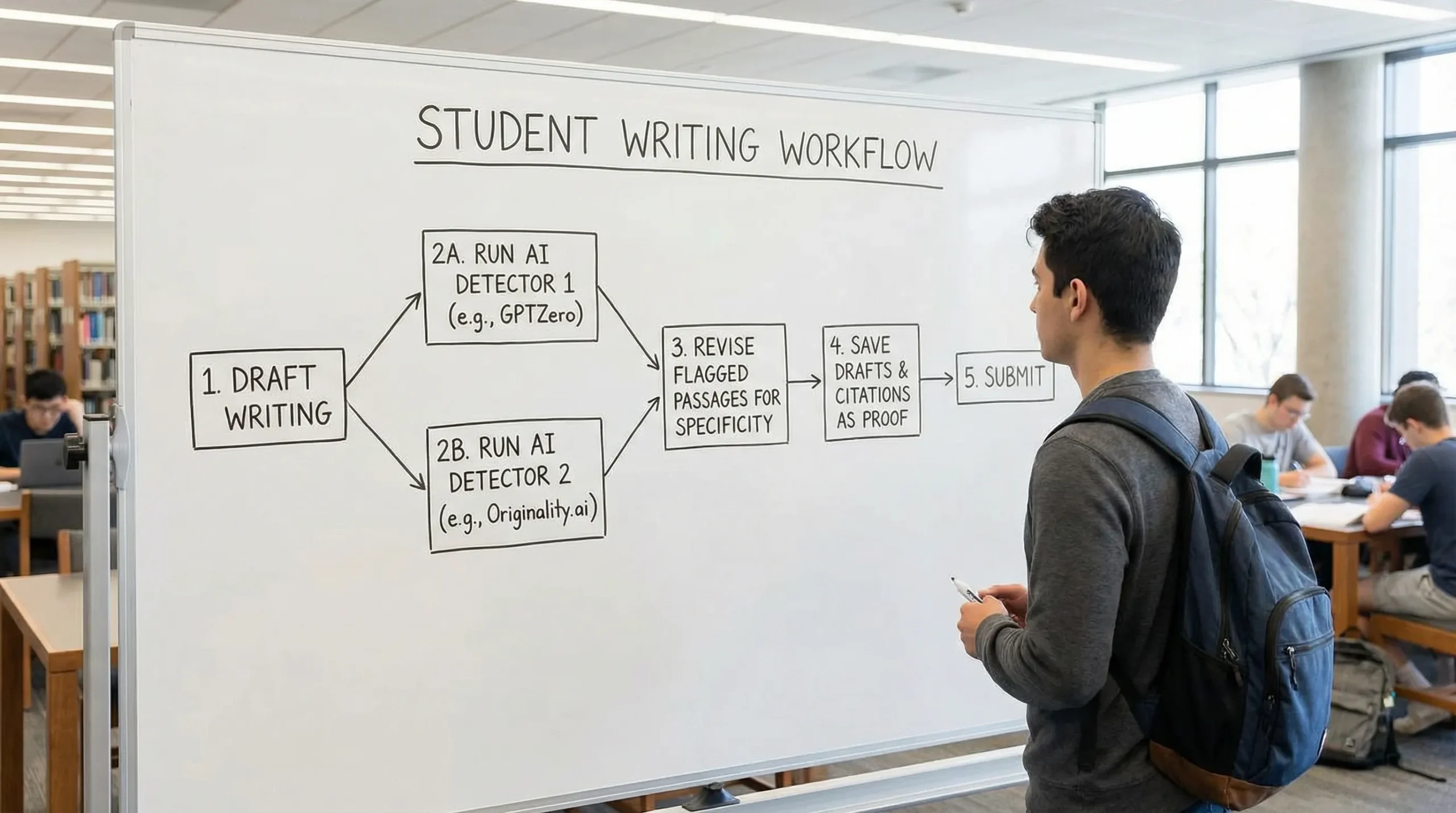
If your goal is to avoid false positives and be able to explain your process, the most effective strategy is a repeatable workflow.
Step 1: Split your draft into “risk zones”
Instead of scanning the entire essay and obsessing over one number, identify the sections that are most likely to trigger AI detection:
- generic introductions that could fit any prompt
- definition-heavy background sections
- overly smooth paragraphs with few concrete details
- citation blocks that are not integrated with your own analysis
This is also where many normal writing habits trigger flags. If that sounds familiar, read Normal writing habits that can trigger Turnitin AI flags.
Step 2: Revise in defensible ways
The safest revisions are the ones your instructor would consider “good writing,” even if no detector existed:
- add assignment-specific details (lecture terms, required sources, class frameworks)
- explain your reasoning step by step (why this evidence supports your claim)
- replace vague claims with concrete examples or brief data points
- keep citations tight and explain why each source matters
Step 3: Keep authorship evidence
In many disputes, process evidence beats detector scores. Version history, outlines, notes, and research artifacts are often more persuasive than “another detector said I’m fine.”
If you want a realistic view of what version history can prove, see Is Google Docs or Word version history enough as proof?.
Where Detection Drama fits (and what we do not promise)
Detection Drama focuses on helping students understand detection signals, reduce false positives through better writing, and access tools without friction.
- You can use the site’s free resources to learn how AI detection works and why tools disagree.
- Detection Drama also provides a free humanizer tool and AI authenticity analysis tools intended to transform AI-assisted drafts into more natural writing.
Important: no tool can guarantee you will “pass Turnitin,” and relying on detector bypassing to submit work that violates your institution’s policy is risky. The most defensible approach is to use AI tools in line with your course rules, then document your process and write with real specificity.
If you are trying to understand what Turnitin is actually showing instructors, the two clearest primers are:
- Can teachers see your real Turnitin AI percentage?
- Turnitin AI % vs Similarity %: what’s actually different?
Quick recommendations by student scenario
If you want a fast answer based on intent:
- You want the closest thing to a classroom-friendly second opinion: try GPTZero, then revise based on highlighted patterns.
- You want AI + plagiarism-style checking together: consider Copyleaks, and do not treat either score as final proof.
- You already use a revision suite and want convenience: QuillBot’s detector can fit naturally into your editing loop.
- You want triangulation: use two to three tools and focus on overlapping highlights, then document your drafts.
In 2026, the “best AI detector alternative to Turnitin” is usually not a single brand. It is a repeatable process that combines cross-checking, high-quality revision, and authorship evidence.
