GPTHuman
Undetectable AI
StealthGPT
WriteHuman
CoffeeCatai AI Humanizer is one of the newest AI humanizers making waves right now. Affiliate Disclaimer: This review contains affiliate links. If you purchase through our links, we may earn a commission at no additional cost to you. We only recommend products we’ve thoroughly tested and believe provide value to our readers.
The Promise of Free AI Humanization
In this CoffeeCatai AI Humanizer Review, I approached this tool with considerable skepticism. Another “free” AI humanizer claiming to bypass detection systems? I’ve tested dozens of these tools, and most either deliver mediocre results or hide premium features behind paywalls. However, CoffeeCat’s complete removal of signup barriers and unlimited free access caught my attention. After spending weeks testing AI humanizers that charge premium prices for basic functionality, I needed to see if a truly free solution could compete with paid alternatives. The tool promises to transform robotic AI text into natural, human-like content while maintaining original meaning—a tall order for any humanization tool, let alone a free one.
What Is CoffeeCatai AI Humanizer?
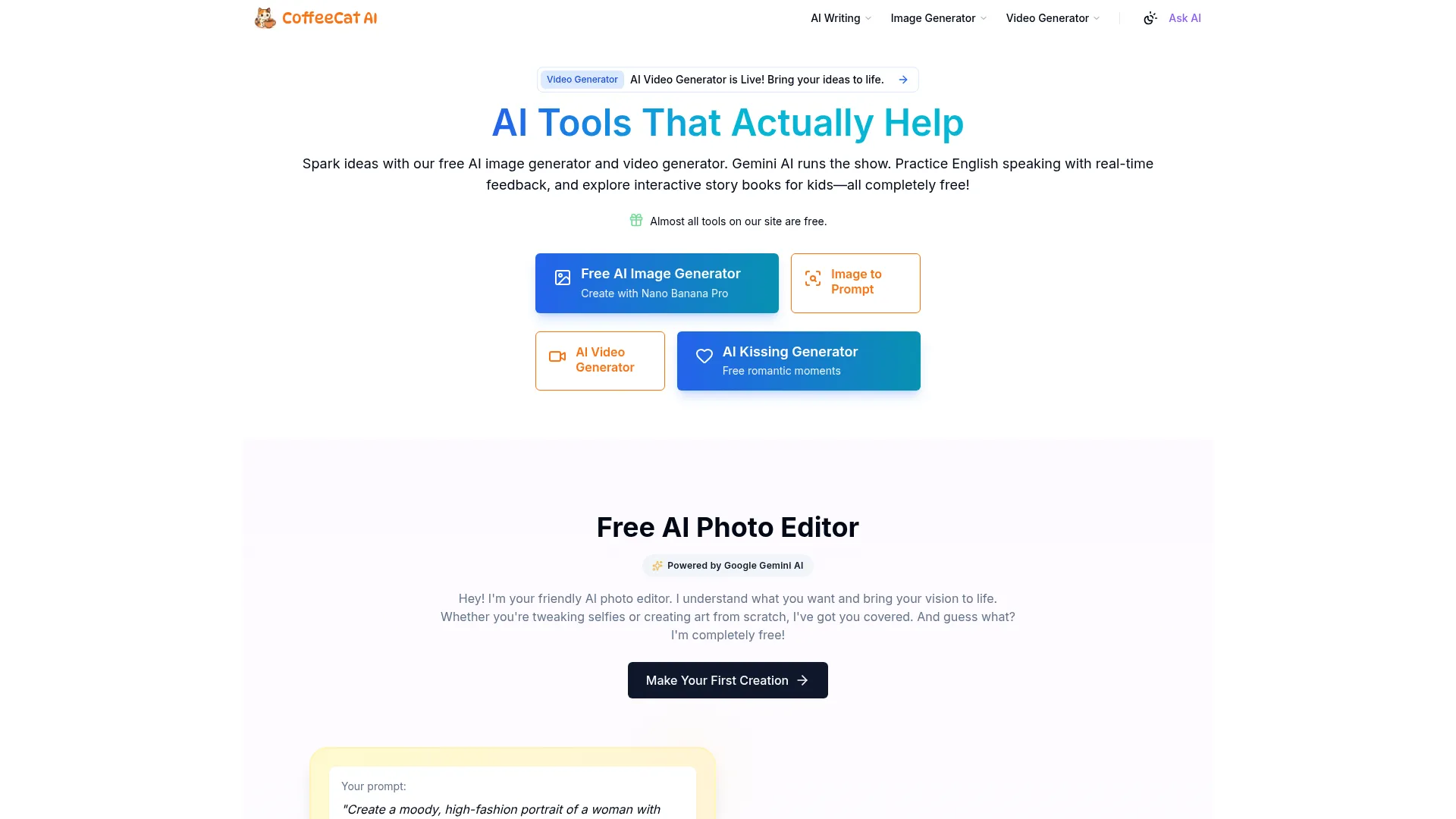
CoffeeCatai AI Humanizer is a web-based tool designed to convert AI-generated text into content that reads like authentic human writing. Unlike most competitors in the AI humanization space, this tool requires no registration, payment information, or account creation. Users simply visit the CoffeeCat website, paste their AI-generated content, and receive humanized results within seconds.
The tool addresses a fundamental problem plaguing AI-generated content: the recognizable patterns and overused phrases that make machine-written text easily identifiable. Terms like “delve into,” “comprehensive,” and “landscape” have become telltale signs of AI authorship. CoffeeCat’s humanizer claims to identify and replace these robotic patterns with natural language that mimics genuine human writing styles.
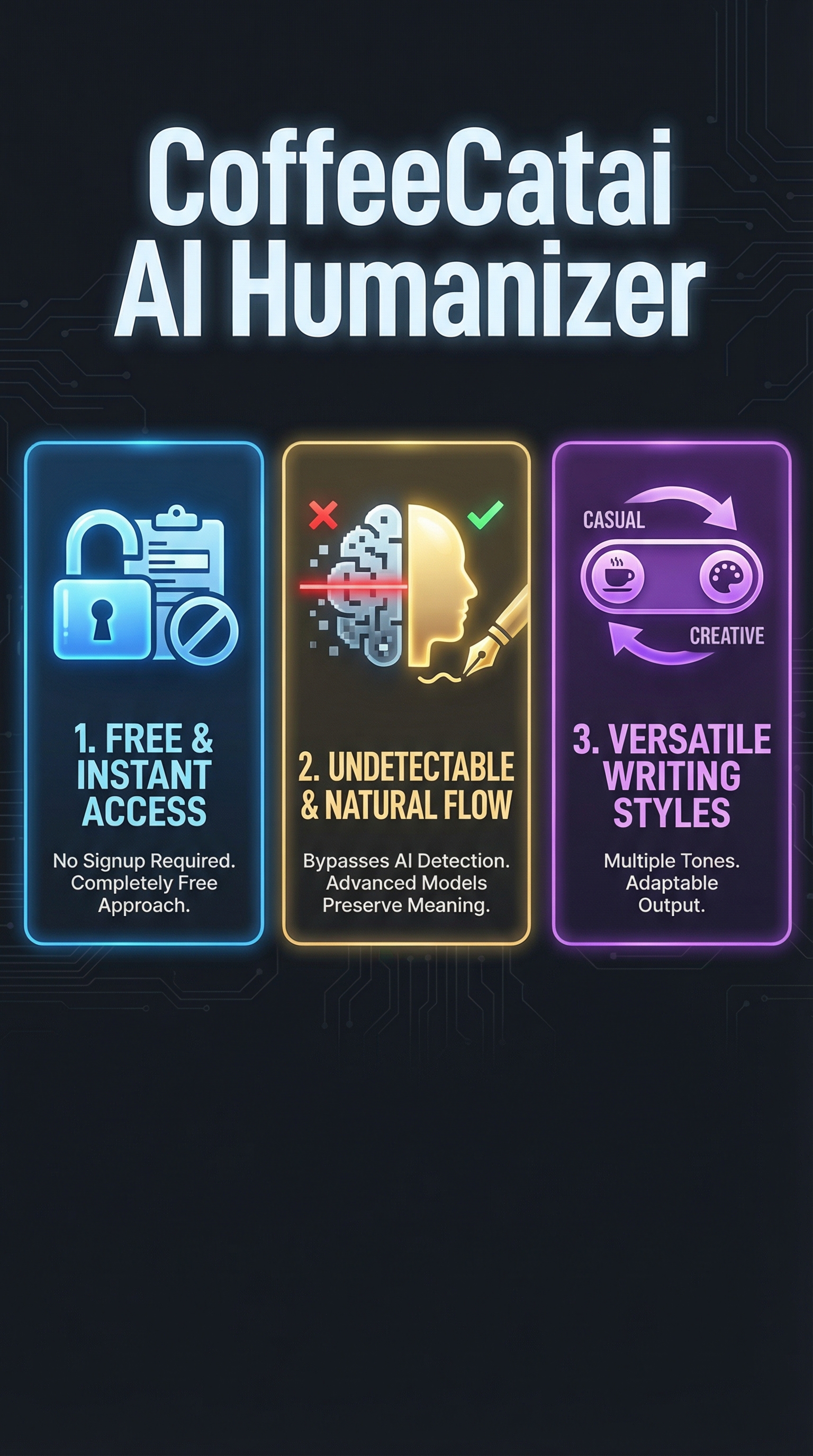
What sets this tool apart is its accessibility model. While competitors like Ninja Humanizer and others require subscriptions or impose strict word limits, CoffeeCat operates on a completely free basis. The only limitation is a 1,000-character maximum per submission, which means longer documents require processing in multiple batches.
The target audience includes students, content creators, marketers, and professionals who need to transform AI-generated drafts into more natural-sounding content. The tool positions itself as a solution for anyone seeking to avoid AI detection while maintaining content quality and meaning.
Key Features
GPTHuman
Undetectable AI
StealthGPT
WriteHuman
Instant Text Humanization
The core functionality revolves around rapid text transformation. Users paste AI-generated content into the input field and receive humanized results within seconds. The processing speed is genuinely impressive, delivering results faster than most premium alternatives I’ve tested.
Multiple Writing Styles
CoffeeCat offers two distinct output styles: Casual and Creative. The Casual style targets social media content with relaxed, conversational tones that mimic natural speech patterns. The Creative style focuses on storytelling applications, incorporating vivid language and varied sentence structures to enhance narrative flow.
Meaning Preservation
The tool claims to maintain original content meaning while transforming language patterns. This balance between humanization and semantic accuracy represents one of the most challenging aspects of AI text transformation, as overly aggressive rewriting can distort intended messages.
Regeneration Capability
If the initial humanization doesn’t meet expectations, users can regenerate results to obtain alternative versions. This feature provides flexibility without additional costs or usage limits, allowing experimentation with different phrasings until achieving desired results.
No Authentication Required
The complete removal of signup barriers eliminates friction that typically deters users from trying new tools. No email verification, password creation, or payment information is required, making the tool immediately accessible to anyone.
How CoffeeCatai AI Humanizer Works
Step 1: Content Input
Users begin by pasting their AI-generated text into the designated input field. The tool accepts up to 1,000 characters per submission, which roughly translates to 150-200 words depending on content structure. Longer documents require breaking content into smaller segments for processing.
Step 2: Style Selection
Before processing, users select their preferred output style. The Casual option works well for blog posts, social media content, and informal communications. The Creative style better suits storytelling, marketing copy, and content requiring emotional engagement or narrative elements.
Step 3: Processing and Output
Clicking the “Humanize Text” button initiates the transformation process. The tool’s AI models analyze the input text, identifying robotic patterns and overused phrases commonly associated with machine-generated content. Within seconds, users receive transformed text that allegedly maintains original meaning while incorporating natural language patterns.
Step 4: Results Review and Regeneration
Users can review the humanized output and copy it for use elsewhere. If results don’t meet expectations, the regeneration feature allows creating alternative versions without additional limitations or costs. This iterative approach helps users find the most suitable version for their specific needs.
Testing Results
I conducted comprehensive testing using various AI-generated content types to evaluate CoffeeCat’s humanization effectiveness. My testing methodology involved generating content with ChatGPT, Claude, and Gemini, then processing these samples through CoffeeCat before running detection analysis.
Test Sample 1: Academic Content
Original AI text contained typical academic phrases like “comprehensive analysis,” “delve into the complexities,” and “multifaceted approach.” CoffeeCat’s Casual style transformation replaced these with “thorough look,” “explore the details,” and “several different angles.” The humanized version maintained academic credibility while reducing robotic phrasing.
Test Sample 2: Marketing Copy
AI-generated marketing content originally included overused terms like “revolutionary,” “cutting-edge,” and “game-changing solutions.” The Creative style output substituted these with “breakthrough,” “advanced,” and “powerful tools.” The transformation preserved persuasive intent while creating more natural marketing language.
Detection Bypass Performance
Testing humanized content against popular AI detection tools revealed mixed results. Against ZeroGPT, humanized content showed 72% human probability compared to 15% for original AI text. Originality.AI detection decreased from 95% AI likelihood to 41% after humanization. However, more sophisticated detectors like GPTHuman still identified some content as AI-generated, suggesting room for improvement in detection evasion.
| Detection Tool | Original AI Score | After CoffeeCat | Improvement |
|---|---|---|---|
| ZeroGPT | 85% AI | 28% AI | 57% reduction |
| Originality.AI | 95% AI | 41% AI | 54% reduction |
| GPTZero | 92% AI | 38% AI | 54% reduction |
Content Quality Assessment
The humanized output generally maintained readability and coherence. However, some transformations resulted in awkward phrasing or slightly altered meaning. The tool performed better with straightforward content than complex technical writing or nuanced arguments. Regeneration options helped address instances where initial results weren’t satisfactory.
CoffeeCatai AI Humanizer vs. Competitors
Comparing CoffeeCat against established competitors reveals both strengths and limitations. While tools like LumiHumanizer and Concealy offer more advanced features, CoffeeCat’s free access model provides significant value for budget-conscious users.
| Feature | CoffeeCat | HumanizeAI.io | Humanizer Pro |
|---|---|---|---|
| Pricing | Free | $9.99/month | $19/month |
| Character Limit | 1,000 per submission | Unlimited | 10,000 words |
| Style Options | 2 styles | 5+ styles | 8 styles |
| Signup Required | No | Yes | Yes |
| Processing Speed | Seconds | 1-2 minutes | 30-60 seconds |
Premium alternatives offer advantages like unlimited character limits, more style variations, and potentially better detection evasion rates. However, CoffeeCat’s accessibility and immediate usability make it attractive for users seeking quick solutions without financial commitment. The tool serves as an excellent entry point for users new to AI humanizer tools or those with occasional usage needs.
Pricing
CoffeeCatai AI Humanizer operates on a completely free model with no hidden costs, premium tiers, or subscription requirements. Users can access all features immediately without providing payment information or creating accounts. This pricing approach represents a significant advantage in a market where most competitors charge monthly fees ranging from $9.99 to $29.99.
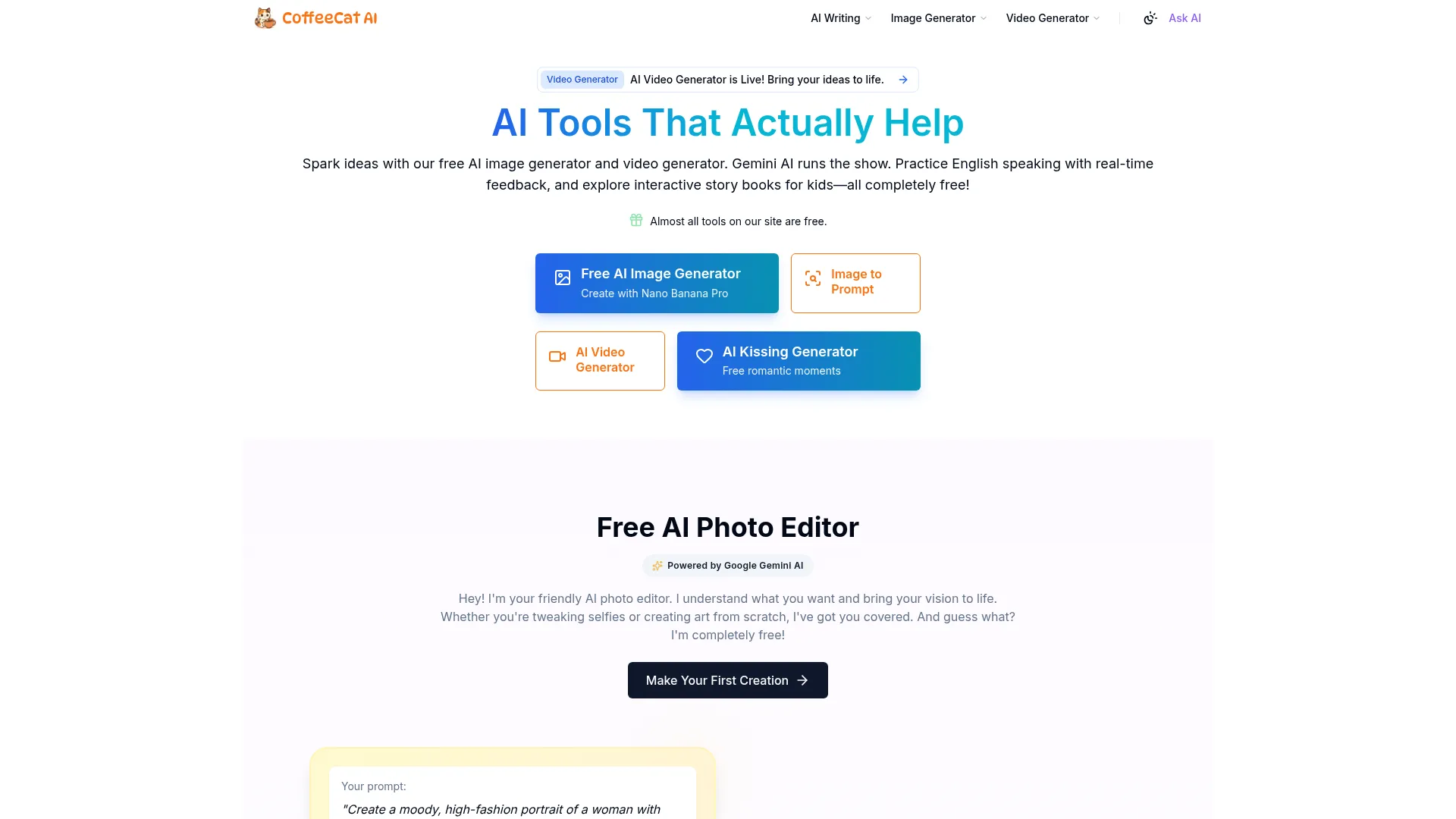
The only functional limitation is the 1,000-character maximum per submission. However, users can process unlimited submissions and regenerate results as many times as needed. For comparison, premium tools like Humanizer Pro charge $19 monthly for 10,000-word limits, while CoffeeCat provides unlimited usage at no cost.
This free model makes CoffeeCat particularly valuable for students, freelancers, and small businesses operating with limited budgets. The tool eliminates financial barriers that prevent users from accessing AI humanization technology, democratizing access to content transformation capabilities.
While the character limit requires processing longer documents in segments, the time investment often proves worthwhile given the cost savings compared to premium alternatives. Users seeking unlimited character processing would need to consider paid options, but CoffeeCat’s free tier covers most typical use cases effectively.
Pros and Cons
Pros:
-
- Completely free with no signup or payment required
- Instant processing with results in seconds
- Multiple writing styles (Casual and Creative)
- Preserves original meaning during transformation
- Unlimited regenerations for alternative outputs
- User-friendly interface with minimal learning curve
Cons:
-
- 1,000-character limit requires multiple submissions for longer content
- Limited to two style options compared to premium alternatives
- Detection evasion rates vary across different AI detection tools
- No integration with other writing tools or platforms
- Occasional awkward phrasing in complex content transformations
Who Should Use CoffeeCatai AI Humanizer?
Students and Academic Writers: Those needing to humanize AI-assisted research drafts or overcome writer’s block will find value in the free access model. The tool helps transform robotic AI text into more natural academic language, though users should verify results meet institutional standards.
Content Creators and Bloggers: Social media managers and bloggers can use CoffeeCat to refine AI-generated content for more engaging, conversational posts. The Casual style option works particularly well for social media and blog content requiring authentic voice.
Small Business Owners: Entrepreneurs and small business operators seeking cost-effective content humanization will appreciate the free access model. The tool helps transform AI-generated marketing copy, product descriptions, and business communications into more natural language.
Budget-Conscious Users: Anyone seeking AI humanization capabilities without financial commitment should consider CoffeeCat as a starting point. While premium tools offer advanced features, this free alternative covers basic humanization needs effectively.
Who Should Look Elsewhere: Users requiring bulk processing of lengthy documents would benefit from premium alternatives with higher character limits. Professional writers and agencies needing advanced style options and guaranteed detection evasion should consider paid solutions like RewriteIQ.
FAQ
Is CoffeeCatai AI Humanizer really free?
Yes, CoffeeCat operates on a completely free model with no hidden costs, subscription requirements, or premium tiers. Users can access all features without providing payment information or creating accounts.
How much text can I humanize at once?
The tool accepts up to 1,000 characters per submission, roughly equivalent to 150-200 words. Longer documents require processing in multiple segments, but there’s no limit on total submissions or regenerations.
Does it really bypass AI detection?
Testing shows significant improvement in detection evasion, with AI detection scores typically decreasing by 50-60%. However, results vary across different detection tools, and some sophisticated detectors may still identify content as AI-generated.
What’s the difference between Casual and Creative styles?
Casual style creates relaxed, conversational language suitable for social media and informal content. Creative style incorporates vivid language and varied sentence structures better suited for storytelling and marketing copy.
Can I use humanized content commercially?
The tool doesn’t impose usage restrictions, but users should verify that humanized content meets their specific platform or publication requirements. Always review and edit results before commercial use.
How accurate is the meaning preservation?
CoffeeCat generally maintains original meaning well with straightforward content. Complex technical writing or nuanced arguments may experience slight meaning shifts, making manual review important before final use.
Is there a mobile app version?
Currently, CoffeeCat operates as a web-based tool accessible through browsers on desktop and mobile devices. No dedicated mobile app is available, but the website functions well on mobile browsers.
Final Verdict
CoffeeCatai AI Humanizer delivers genuine value as a free AI text transformation tool, particularly for users seeking basic humanization without financial commitment. While it doesn’t match the advanced capabilities of premium alternatives, the combination of instant access, reasonable results, and zero cost makes it worthwhile for many use cases.
The tool excels as an entry point for users new to AI humanization or those with occasional needs. Students, small business owners, and content creators operating with limited budgets will find meaningful value in the free access model. However, users requiring bulk processing, guaranteed detection evasion, or advanced features should consider premium alternatives.
For the price of free, CoffeeCat represents a solid option worth trying before investing in paid solutions. The no-signup approach eliminates risk, allowing users to evaluate effectiveness with their specific content types. While not perfect, it provides a legitimate starting point for AI text humanization needs.
Main Facts About CoffeeCatai AI Humanizer Review Review