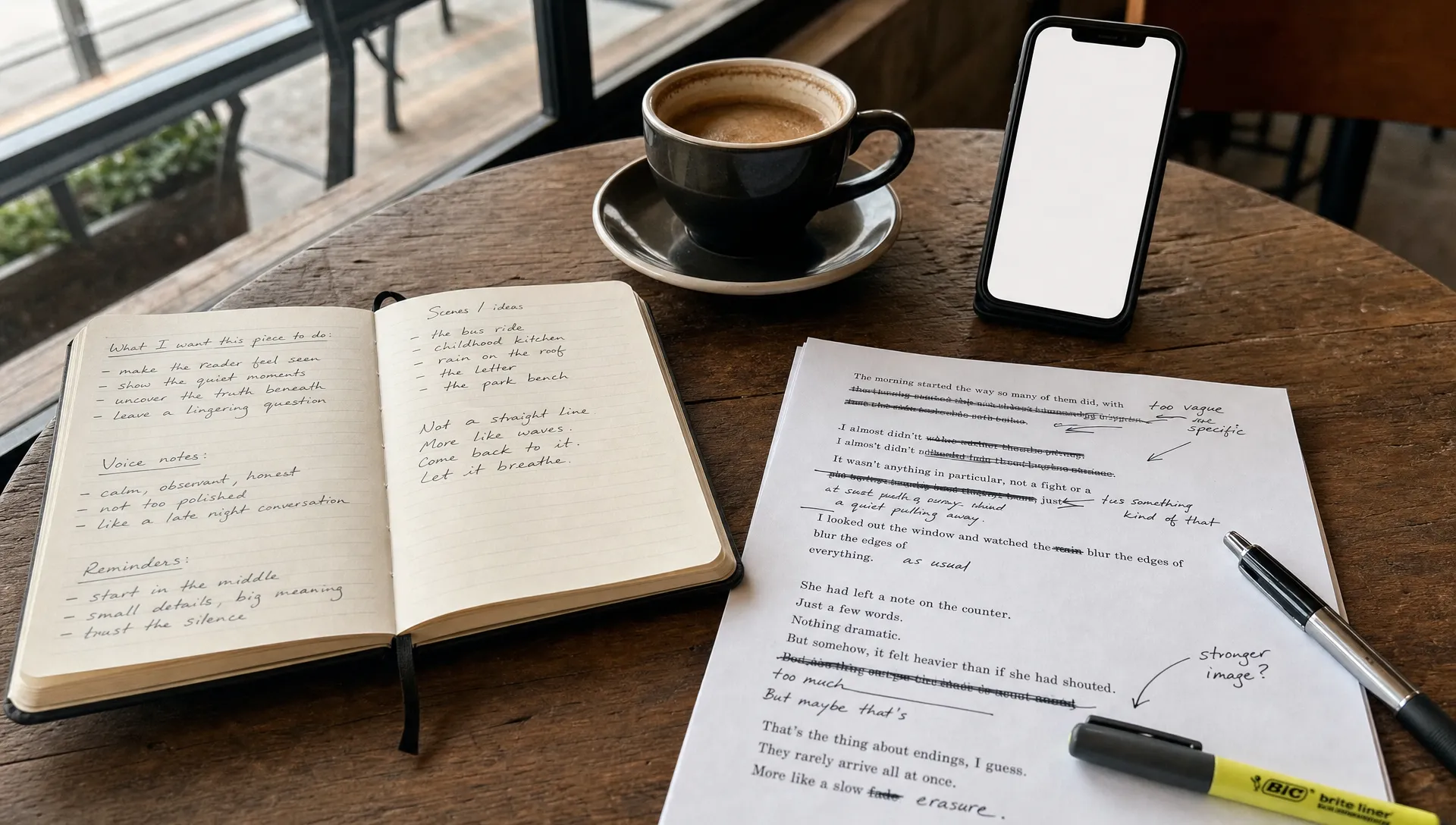
ChatGPT can produce a clean draft in seconds, but “clean” is often the problem. If the writing sounds like it could belong to anyone, it probably does not sound like you.
Making ChatGPT writing sound like you is not about adding random slang, forcing typos, or asking for a “more human” tone. It is about giving the model better evidence of your voice, then editing the output with the same judgment you would use on your own draft.
Want to bypass Turnitin in 2026? Grab the free prompt pack.
Get the exact text-humanization prompts I use to drop an AI score by hand — copy, paste, submit. Free, straight to your inbox.
Send me the free prompts →The goal is simple: use ChatGPT for speed without losing the things that make your writing recognizable, such as your rhythm, opinions, examples, level of detail, and the way you explain ideas.
One quick note before we get practical: use AI writing tools responsibly. If a school, client, employer, or publication requires disclosure or limits AI use, follow those rules. The workflow below is best for turning AI assistance into writing you can honestly stand behind, not for misrepresenting someone else’s work as your own.
Why ChatGPT Writing Often Does Not Sound Like You
ChatGPT is trained to be helpful, polished, and broadly acceptable. That default setting can be useful, but it also creates writing that feels smoothed out.
Your personal voice usually has edges. Maybe you write short, direct sentences. Maybe you use dry humor. Maybe you explain things through personal examples. Maybe you avoid dramatic claims. ChatGPT will not know those habits unless you show them clearly.
Common signs that a draft sounds more like ChatGPT than you include generic openings, overly balanced paragraphs, repeated transitions, and vague phrases like “it is important to note.” If you want a deeper breakdown of those tells, Detection Drama has a guide on what makes writing sound AI generated to real human readers.
Here is what usually goes wrong:
| AI-sounding pattern | Why it feels unlike you | What to do instead |
|---|---|---|
| Generic introduction | It starts too broadly and delays the real point | Begin with your actual observation, problem, or opinion |
| Perfectly even paragraphs | Human drafts usually have more natural variation | Mix short, medium, and longer paragraphs intentionally |
| Vague examples | It explains without showing lived context | Add details from your experience, audience, or situation |
| Over-polished transitions | It sounds like a template | Use the transitions you would naturally say or write |
| Neutral stance | It avoids taking a clear position | Add what you actually think and why |
The fix starts before ChatGPT writes anything.
Build a Small Voice Bank First
If you ask ChatGPT to “write in my style” without giving it your style, it will guess. Usually, that guess sounds like a slightly casual version of standard AI-generated content.
Instead, create a small voice bank. This is a collection of writing samples that show how you naturally communicate. You do not need dozens of pages. Three to five samples are usually enough for a strong starting point, especially if they match the type of writing you want to create.
Choose samples that you actually like. If you are writing a personal essay, use past essays, journal-style reflections, or emails where your natural voice appears. If you are writing a blog post, use old posts, newsletters, or longer social captions. If you are writing for work, use memos, reports, or messages that represent your professional voice.
Good voice samples should include:
- A few paragraphs of writing you created yourself
- The same general format as your new draft
- Examples where your tone feels natural, not forced
- Sentences with your real pacing and vocabulary
- No private information, confidential details, or text you do not have permission to use
Do not use another writer’s work as a “voice sample” unless you have permission and a legitimate reason. The point is to help ChatGPT understand your voice, not clone someone else’s identity.
Turn Your Samples Into a Voice Card
A voice card is a short description of how you write. It gives ChatGPT practical rules to follow instead of a vague command like “sound more like me.”
Read through your samples and look for patterns. You are not trying to describe your personality in general. You are describing what appears on the page.
| Voice feature | Questions to ask | Example note |
|---|---|---|
| Sentence rhythm | Do you write short and punchy, long and reflective, or mixed? | “Mostly medium sentences, with short lines for emphasis.” |
| Vocabulary | Do you use simple words, technical terms, humor, or casual phrasing? | “Clear and conversational, but not slang-heavy.” |
| Point of view | Do you use “I,” “we,” or a more detached style? | “Uses first person when explaining experience.” |
| Opinion strength | Are you direct, cautious, skeptical, enthusiastic, or analytical? | “Usually makes a clear claim, then qualifies it.” |
| Examples | Do you use personal stories, data, comparisons, or scenarios? | “Prefers concrete examples over abstract explanations.” |
| Structure | Do you like lists, short sections, narrative flow, or argument-first writing? | “Starts with the problem, then gives practical steps.” |
You can format your voice card like this:
My voice in one sentence:
I write in a clear, practical, slightly conversational style that explains the real issue before giving advice.

Sentence rhythm:
Use mostly medium-length sentences, with occasional short sentences for emphasis. Avoid long, winding paragraphs.

Tone:
Direct, useful, and grounded. Do not sound overly excited or dramatic.

Vocabulary:
Use plain English. Avoid corporate buzzwords, filler phrases, and academic-sounding transitions unless they are necessary.

Examples:
Use specific, realistic examples. Do not invent personal stories or statistics.

Things to avoid:
Do not start with “In today’s world.” Do not overuse “crucial,” “delve,” “seamless,” “robust,” or “it is important to note.”
This voice card becomes the foundation for future prompts. You can save it and refine it over time.
Prompt ChatGPT With Context, Not Just Style
The biggest mistake people make is asking for a finished piece too soon. If ChatGPT does not know your audience, purpose, point of view, and source details, it will fill the gaps with generic writing.
A weak prompt looks like this:
Write an article about managing stress. Make it sound like me.
A stronger prompt looks like this:
Use the voice card below to help draft an article about managing stress for college students who feel behind but do not know where to start.

My main point: stress management should begin with reducing decision overload, not with adding a complicated new routine.

Use these details:
- I want the article to feel practical, not motivational.
- Mention that I used to make huge to-do lists that made me feel worse.
- Include the idea of choosing only three priorities for the day.
- Do not invent research, personal stories, or statistics.
- Ask me questions if any important detail is missing.

Voice card:
[Paste your voice card here]
Notice the difference. The stronger prompt gives ChatGPT your argument, your audience, your personal angle, and your boundaries. That matters more than saying “make it human.”
If you use ChatGPT often, you can also explore custom instructions so the tool has consistent guidance about your preferences. Still, for important writing, paste the specific voice card and context into the conversation. Custom settings are helpful, but they are not a replacement for a clear brief.
Give ChatGPT Your Raw Thinking Before It Drafts
Your voice is not only how you phrase sentences. It is also how you think.
Before asking ChatGPT for a draft, give it your rough notes. These can be messy. In fact, messy is often better because it gives the model material that sounds more like you.
Include things like your main opinion, what annoys you about the topic, what you have personally noticed, what your audience usually gets wrong, and what you do not want the piece to say.
For example, instead of asking ChatGPT to write “a post about productivity,” you might give it this:
My angle: Most productivity advice assumes people have stable schedules, but a lot of people are dealing with interruptions, caregiving, shift work, or burnout.

What I want to say: A realistic system should survive a bad day. If your routine collapses after one missed morning, it is too fragile.

Personal detail: I used to plan perfect weeks on Sunday night, then abandon the plan by Tuesday.

Tone: Honest, practical, slightly skeptical of overcomplicated systems.
That kind of input changes the output because it gives ChatGPT something specific to build from.
Use a Two-Pass Workflow Instead of One Perfect Prompt
You will get better results if you treat ChatGPT as a drafting partner rather than a final writer. A two-pass workflow keeps your thinking in control.
- Ask for an outline first: Make sure the structure matches your actual point before generating full paragraphs.
- Revise the outline manually: Move sections around, delete anything generic, and add missing ideas.
- Ask for a draft based on the revised outline: Tell ChatGPT to follow your voice card and use only the details you provided.
- Edit the draft yourself: Replace weak phrasing, add specifics, adjust rhythm, and remove anything that does not sound like you.
- Run a final voice check: Read it out loud and compare it against one of your real samples.
This process takes longer than a one-click draft, but it produces writing that feels much closer to your actual style.
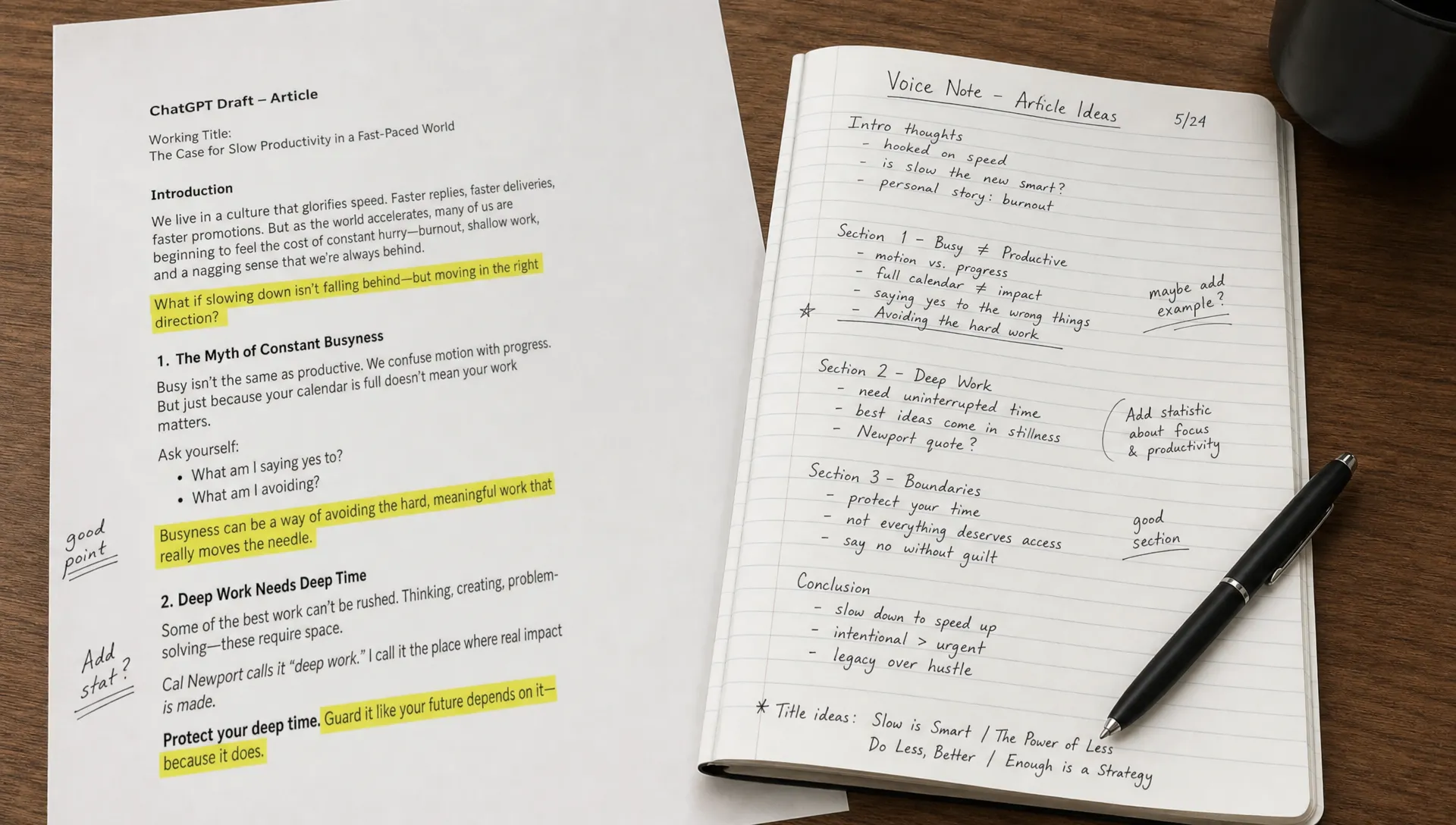
Manual Edits That Make ChatGPT Sound More Like You
Even with a good prompt, ChatGPT output needs editing. The final 20 percent is where your voice usually returns.
Start by looking for sentences that feel correct but empty. AI-generated writing often explains the obvious in polished language. Your job is to replace those lines with something more specific, opinionated, or grounded.
Here is a simple example:
| Draft sentence | Better voice-focused edit |
|---|---|
| “Time management is essential for achieving success in academic life.” | “If I do not decide what matters first, my day gets eaten by small tasks.” |
| “There are many strategies that can help improve productivity.” | “The strategy that helped me most was cutting the list down, not adding another app.” |
| “This can be a valuable tool for students.” | “This works especially well when your schedule changes every week.” |
The second version is not just “more human.” It has a point of view. It sounds like a person who has dealt with the problem.
When editing, focus on these five checks:
- Replace broad claims with specific observations
- Add your real opinion where the draft sounds neutral
- Cut filler phrases that you would not normally use
- Vary sentence length so the rhythm feels natural
- Remove invented examples, statistics, or anecdotes
If you want a fuller editing method, the guide on rewriting AI text without losing your original voice goes deeper into preserving your style during revision.
Example: Generic ChatGPT Draft vs. Voice-Led Rewrite
Here is a typical AI-sounding paragraph:
In today’s fast-paced digital world, many people are turning to AI writing tools to improve their productivity and streamline their creative process. However, it is important to ensure that the final output maintains a personal and authentic tone.
It is readable, but it does not sound personal. It could appear in almost any article about AI writing tools.
Now compare it with a voice-led rewrite:
ChatGPT is useful when I need a rough draft quickly, but it has a habit of sanding off the parts that make my writing mine. The first version usually sounds fine. That is the trap. “Fine” often means too vague, too balanced, and too easy to ignore.
The second version works better because it makes a sharper observation. It also has a more natural rhythm: one longer sentence, one short sentence, then a specific explanation.
You do not have to copy that style. The point is to make the paragraph reflect how you actually think and speak.
Use Tools Without Letting Them Flatten Your Voice
A text humanizer can help when a draft feels stiff, repetitive, or too polished. But tools should support your voice, not replace it.
If you use a rewriting tool, prepare the source draft first. Add your facts, your examples, and your intended tone before you humanize AI text. Otherwise, the tool may simply create a smoother version of a generic draft.
For cleaner tool-assisted rewrites, Detection Drama’s guide on using GPTHuman for more natural rewrites explains how to work in smaller chunks and protect important details. That approach is especially useful when you want the writing to feel less robotic without losing meaning.
After any tool-assisted rewrite, do a final manual pass. Ask yourself:
- Would I actually say this sentence?
- Is this example true to my experience or knowledge?
- Did the tool remove my stronger opinion?
- Does the paragraph still match the assignment, audience, or purpose?
If the answer is no, revise it yourself.
What About AI Detection?
AI detection tools often look for patterns associated with machine-generated text, such as predictable phrasing, low variation, and generic structure. Editing for your real voice can reduce those patterns because genuine writing usually contains more specific reasoning, personal context, and uneven rhythm.
But AI detection should not be your only goal. Detectors can be imperfect, and trying to “beat” them by adding awkward phrasing usually makes the writing worse. A better standard is this: could a real reader believe you wrote it because the ideas, examples, and tone are truly yours?
If your draft is flagged by an AI content detector, do not just swap words around. Look for the deeper reason. Is the argument too generic? Are the examples vague? Does every paragraph have the same shape? Those are writing problems first, detection problems second.
Mistakes That Make ChatGPT Sound Less Like You
The fastest way to lose your voice is to let ChatGPT make too many decisions for you. These mistakes are common:
- Asking for “a human tone” without giving samples
- Using only one short writing sample and expecting perfect style matching
- Adding random slang, contractions, or typos to seem natural
- Letting ChatGPT invent personal stories or opinions
- Accepting a polished draft before checking whether it says what you mean
- Using the same voice card for every format, even when your email voice and essay voice are different
Your voice may change depending on the context. You probably do not write a class reflection, a client email, and a blog article in exactly the same tone. That is normal. Build different voice cards for different situations if you write in multiple formats.
A Quick Checklist Before You Publish or Submit
Before you call the draft finished, run this short check:
| Question | Why it matters |
|---|---|
| Does the opening sound like something I would actually write? | The first paragraph sets the voice expectation |
| Are the examples specific and true? | Generic examples make writing feel AI-generated |
| Did I keep my real opinion? | Neutral writing often sounds less personal |
| Is the rhythm varied? | Human writing rarely has perfectly even pacing |
| Did I remove phrases I never use? | Vocabulary mismatch is one of the clearest voice problems |
| Can I explain every claim? | You should understand and own the final draft |
If the draft fails two or more of these checks, revise before using it.
Frequently Asked Questions
Can ChatGPT really learn my writing style? It can approximate your style if you provide strong samples, a clear voice card, and enough context. It will not perfectly become you, so manual editing is still necessary.
How many writing samples should I give ChatGPT? Three to five solid samples are usually enough to identify patterns. Use samples that match the type of writing you are creating, such as essays for essays or emails for emails.
Should I ask ChatGPT to make my writing “more human”? You can, but it is too vague on its own. A better prompt explains your sentence rhythm, tone, vocabulary, audience, and the specific ideas you want to keep.
Will making ChatGPT sound like me help with AI detection? It can reduce generic AI-writing patterns, but no edit should focus only on detection. The stronger goal is to create accurate, specific writing that reflects your own thinking and complies with any rules that apply to your situation.
Is it okay to use a text humanizer after ChatGPT? Yes, if you use it as an editing aid and review the result carefully. Make sure the final version preserves your facts, meaning, and voice.
Make Your Next ChatGPT Draft Sound More Like Yours
The best ChatGPT writing starts with your ideas, your examples, and your voice. Use AI to speed up drafting, but do not let it replace the details that make the writing recognizable.
If you want help spotting generic AI patterns and creating cleaner rewrites, explore the free guides and tools on Detection Drama. Start with your own voice card, revise with intention, and make every final draft something you can honestly claim as yours.
Want to bypass Turnitin in 2026? Grab the free prompt pack.
Get the exact text-humanization prompts I use to drop an AI score by hand — copy, paste, submit. Free, straight to your inbox.
Send me the free prompts →