
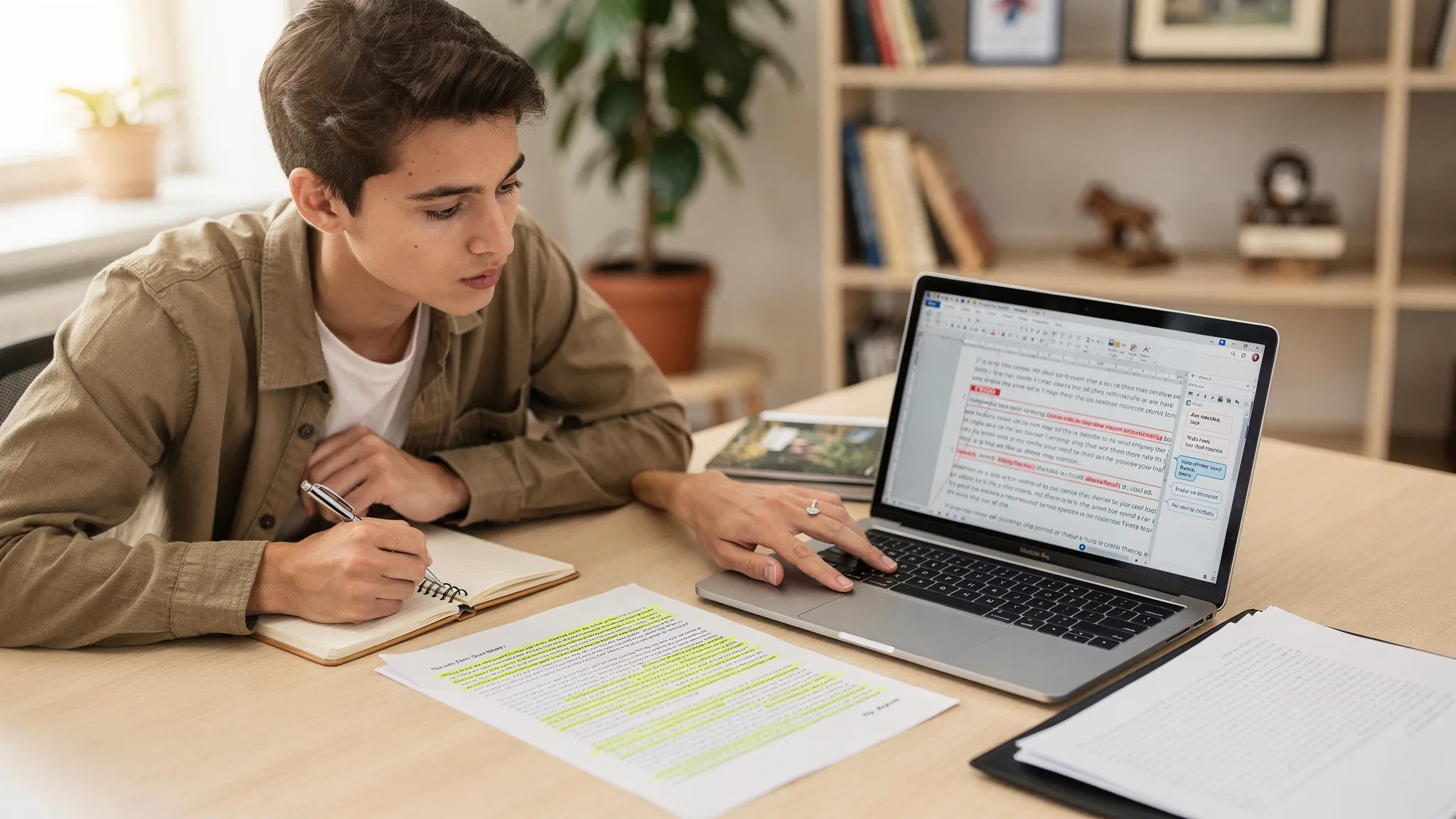
Turnitin’s AI writing report can feel unnervingly definitive, especially when it highlights specific sentences and paragraphs as “AI-written.” But highlighting is not a courtroom exhibit. It is a visualization of where Turnitin’s model thinks certain writing patterns are more likely to match AI-assisted text.
Understanding what those highlights actually represent (and what they do not) is the difference between a calm, evidence-based response and weeks of unnecessary panic.
What Turnitin’s AI highlighting is (in plain English)
Turnitin’s AI highlighting is Turnitin’s best guess about which parts of your document contributed most to its AI-likelihood score.
In practice, the system analyzes your submission, then marks spans of text that appear most consistent with the statistical patterns its model has learned from AI-generated writing.
That means:
- Highlights are model signals, not “proof.”
- Highlights are selective, not comprehensive.
- Highlighted passages are not automatically “written by ChatGPT.” They are passages that resemble patterns Turnitin associates with AI.
If you want the big-picture framing first, this pairs well with our breakdown of how the AI score differs from plagiarism similarity: Turnitin AI % vs Similarity %: what’s actually different?
What Turnitin’s AI highlighting does not mean
A lot of confusion comes from treating highlights like a “find and reveal” tool. They are not.
Turnitin’s highlight overlay does not reliably indicate:
- which tool was used (ChatGPT vs Grammarly vs a paraphraser)
- whether a student violated policy
- whether the highlighted span was copied from anywhere
- whether the highlighted span is “fake,” inaccurate, or plagiarized
Turnitin itself has repeatedly positioned AI detection as a probabilistic indicator that should be interpreted with educator judgment, not as a sole decision-maker (see Turnitin’s guidance in its help documentation and product updates).
Why highlighting can look “too confident” even when it is not
Most AI detectors (including Turnitin’s AI writing indicator) are built on classifiers. Classifiers do not read like humans. They weigh patterns across language features, for example:
- sentence rhythm and uniformity
- predictability of next-word choices
- repetitiveness of phrasing
- low specificity (highly general statements)
- overly balanced paragraph structure
When Turnitin highlights, it is showing where those signals cluster. But clustering can happen for completely legitimate reasons:
- A formal academic style can be highly templated.
- A student might follow a rubric structure closely (topic sentence, evidence, analysis, mini-conclusion).
- A paper may contain many “safe” transition phrases.
- Heavy proofreading can smooth away natural imperfections.
This is one reason false positives exist and why multiple universities have limited or banned AI detectors in academic integrity decisions (documented here: Universities that banned AI detectors (2026 list)).
Highlighting vs. “what actually happened”: a reality check
Here is the most useful way to interpret Turnitin highlighting:
| If Turnitin highlights text… | It usually means… | It does not mean… |
|---|---|---|
| A paragraph is highlighted | That paragraph contains patterns the model associates with AI-assisted writing | The paragraph was definitely written by AI |
| Only a few spans are highlighted | The strongest signals were localized | The rest of the document is “proven human” |
| Many spans are highlighted | The document has widespread signals (or the model is over-triggering on the style) | The student must have used ChatGPT for everything |
| Highlighting is concentrated in the introduction/conclusion | Those sections are often generic, high-level, and easier for models to misclassify | The student “gave up” and used AI only there |
| Highlighting appears in very polished writing | Polished, predictable phrasing can match AI-like patterns | Polished writing is suspicious by nature |
Why Turnitin highlights “normal” writing
Turnitin highlighting often latches onto sections that are structurally common in school writing. For example:
- Definitions and background sections: They can sound encyclopedic and low-variance.
- Thesis statements and roadmap sentences: These are formulaic by design.
- Neutral summaries of sources: Especially when paraphrases are clean but not richly analytical.
- Generic transitions: “Furthermore,” “In conclusion,” “This demonstrates that,” and similar phrases.
- Even sentence length: Writing that never “breaks rhythm” can look statistically uniform.
We cover many of these patterns in detail (with fixes that do not require gimmicks) here: Normal writing habits that can trigger Turnitin AI flags
ESL writers are at higher risk of being highlighted
Independent research has shown that AI detectors can misclassify non-native English writing at higher rates. For instance, Stanford HAI has discussed false positives in TOEFL-style writing and why detector heuristics do not generalize cleanly across proficiency levels.
If you are an ESL student (or you teach ESL learners), it is worth reading: AI detection bias against ESL students: research & evidence (2026)
Why unhighlighted text is not “cleared”
A common mistake on the instructor side is assuming:
- Highlighted = suspicious
- Not highlighted = safe
But Turnitin’s highlighting is not a full “map of AI use.” It is a display of what the system is most confident about, under its own thresholds.
Unhighlighted text can still be AI-assisted for several reasons:
- False negatives: No detector catches all AI-assisted writing.
- Short sections: Many detectors struggle with short spans.
- Human-edited AI: Light editing can reduce detectable patterns without making the text more original.
- Mixed authorship: A student may use AI for planning, then write the final draft themselves.
- Domain mismatch: Technical writing, code, and citation-heavy content may not be scored the same way.
This is also why two detectors can disagree on the same text. If you have seen “Turnitin flags it but GPTZero does not,” you are not imagining things: Why Turnitin flags AI when other detectors don’t
What to do if your Turnitin report highlights your writing
If you are a student, your best outcome usually comes from treating this as a documentation problem, not a “score problem.”
Step 1: Get the exact report and preserve your evidence
You want the same view the instructor is using.
- Ask for a copy or screenshot of the AI writing report that shows the highlighted passages.
- Save your submission file as submitted.
- Preserve your drafting artifacts (Google Docs version history, Word autosaves, outlines, notes, sources, screenshots of research tabs if needed).
If you need a structured, time-boxed plan: Accused of AI use: what to do in the next 24 hours
Step 2: Match highlights to your writing process
Do not argue “the detector is wrong” in the abstract. Instead, connect the highlighted text to how you wrote it.
Helpful things to prepare:
- earlier drafts where that paragraph existed in a rougher form
- notes showing the source you summarized (and your paraphrase decisions)
- outline sections that clearly preceded drafting
- timestamps that show gradual development rather than a single paste-in
Version history can be persuasive, but it is not magic. Here is a realistic explanation of what it proves (and what it cannot): Is Google Docs or Word version history enough as proof?
Step 3: Offer a verification option that aligns with policy
Instructors who handle AI flags fairly often welcome process-based verification.
Examples include:
- a short oral walkthrough of your argument and sources
- a live explanation of how you reached your conclusions
- a short in-class writing sample on a related prompt
The goal is not to “outsmart” the detector. The goal is to demonstrate authorship credibly.
Guidance for instructors: how to use highlighting responsibly
If you are an educator, Turnitin’s highlighting can be useful as a triage tool, but it is risky as a verdict tool.
A practical, defensible approach is:
- Treat highlights as a prompt for a conversation.
- Ask for process evidence before escalating.
- Consider alternative explanations (ESL patterns, rubric templates, accommodations, heavy proofreading).
- Look for alignment between the highlighted passages and the student’s demonstrated capability and prior writing.
If you do escalate, document your reasoning beyond the AI report. A single screenshot of highlighted text is rarely sufficient to support a high-stakes integrity outcome.
“Can I just rewrite the highlighted parts?” (what helps, and what backfires)
Rewriting highlighted text can reduce future flags, but only if the rewrite reflects authentic authorship.
Changes that tend to help (ethically)
- Add assignment-specific detail (course concepts, local examples, your data, your reasoning)
- Replace generic filler with concrete analysis
- Vary sentence rhythm and structure naturally
- Clarify what you think, not only what “research suggests”
- Cite sources precisely and integrate quotes appropriately
Changes that often backfire
- swapping synonyms mechanically
- using “humanizer” tools to chase a lower score without improving substance
- repeatedly re-running the same paragraph through multiple rewriters (this can produce awkward phrasing that raises scrutiny)
If your goal is legitimate polishing (clarity, flow, and tone) rather than deception, Detection Drama’s free tools can help you sanity-check how your text reads to common detectors and whether it has “generic AI-ish” signals. You can start with the free resources at DetectionDrama.com (no email required).
The key takeaway
Turnitin’s AI highlighting is best understood as a diagnostic overlay, not a determination.
It can be useful for spotting sections that are overly generic, overly uniform, or heavily tool-polished. It can also be wrong, especially for certain writing styles and ESL learners.
If you are flagged, focus on what actually resolves disputes in 2026: process evidence, drafts, version history, and the ability to explain your work. That is what highlights cannot replace.
