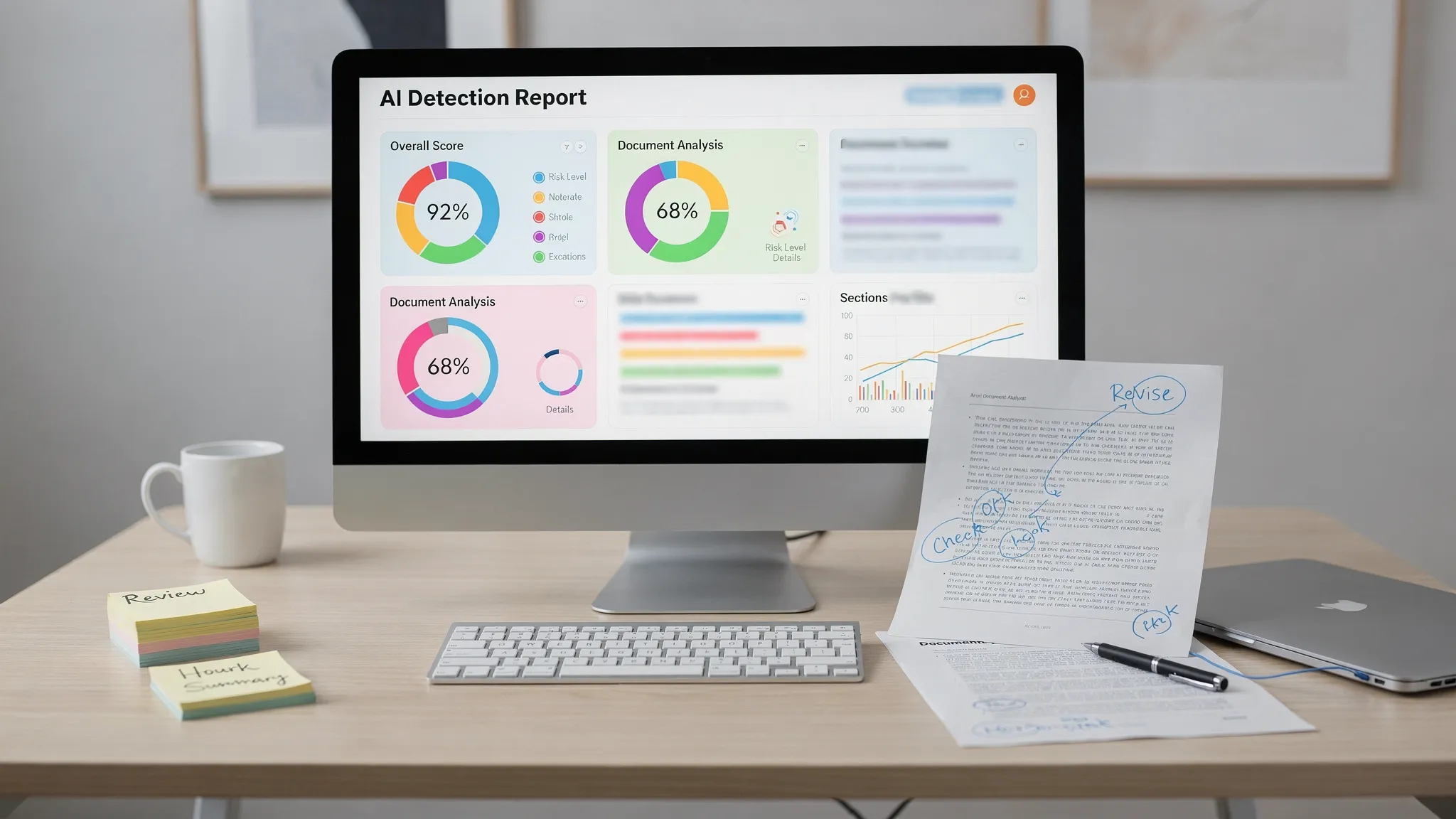
AI detection reports look precise because they turn messy writing questions into clean percentages, labels, and colored highlights. That precision can be misleading. An AI content detector is not showing a forensic record of who wrote a document. It is showing a model-based estimate of how closely the text matches patterns the detector associates with AI-generated content.
Want to bypass Turnitin in 2026? Grab the free prompt pack.
Get the exact text-humanization prompts I use to drop an AI score by hand — copy, paste, submit. Free, straight to your inbox.
Send me the free prompts →That distinction matters whether you are a student reading a Turnitin AI indicator, a content editor reviewing blog drafts, or a writer testing AI writing tools before publishing. A high score can be stressful, but it is not automatically proof of misconduct. A low score can feel reassuring, but it is not a guarantee that the text is human-written.
This guide breaks down what the most common AI detection report elements actually mean, how to interpret score ranges, why detectors disagree, and what to do before you trust any single report.
The short version: an AI score is a risk signal, not a verdict
If you remember one thing, remember this: AI detection scores are probabilistic signals. They estimate likelihood, pattern similarity, or suspected AI-written portions depending on the tool. They do not prove intent, authorship, or cheating by themselves.
Most reports should be read with five rules in mind:
- An AI percentage does not always mean that exact percentage of the document was written by AI.
- Sentence highlights are approximate indicators, not a perfect map of AI-written sentences.
- Similarity or plagiarism checker scores are different from AI detection scores.
- Short, polished, formulaic, or non-native English writing can produce unreliable results.
- A report becomes more useful when paired with drafts, version history, notes, citations, and human review.
In other words, a detector report can help you decide where to look more closely. It should not be the only evidence used to judge a piece of writing.
What AI detection scores actually measure
AI detectors examine the submitted text and compare it with patterns associated with human writing and large language model output. Different tools use different signals, but common ones include predictability, sentence rhythm, word choice, paragraph uniformity, topic development, and how closely the text resembles model-generated phrasing.
Some older explanations focus on terms like perplexity and burstiness. In simple terms, perplexity asks how predictable the next words are, while burstiness looks at variation in sentence structure and rhythm. Modern AI content detector systems usually combine many signals rather than relying on one simple metric.
What detectors do not do is just as important. They generally do not know whether you opened ChatGPT, used Grammarly, pasted text from Claude, or wrote every sentence yourself. Unless a school or workplace separately has access to a platform account, a detector analyzes the text in front of it. For privacy context, see our guide on whether AI detectors can read Google Docs history or ChatGPT logs.
That is why the same document can be human-written and still score high, especially if it is generic, heavily edited, templated, or written in a very polished academic style. It is also why AI-generated content can sometimes score low after substantial human revision or strong personalization.
The main parts of an AI detection report
Most AI detection reports contain several different signals. They often appear together, but they do not mean the same thing.
| Report element | What it usually means | What people often get wrong |
|---|---|---|
| Overall AI score | A detector-level estimate of AI likelihood or suspected AI-written text | Treating it as a proven percentage of cheating |
| Confidence label | A category such as human, mixed, likely AI, or uncertain | Assuming labels are standardized across tools |
| Sentence highlights | Passages that contributed strongly to the detector score | Believing every highlighted sentence is definitely AI-written |
| Similarity score | Text overlap found by a plagiarism checker or similarity database | Confusing copied-source matches with AI detection |
| Qualifying text | The portion of a document the tool considers scannable | Assuming the detector analyzed footnotes, quotes, tables, or references the same way as body text |
| Rewrite suggestions | Tool-generated edits meant to reduce risk signals or improve readability | Assuming a rewrite automatically preserves facts, citations, and author voice |
The biggest mistake is reading a report as if all these elements point to one conclusion. They do not. A similarity report is about matching existing text. An AI detection report is about authorship-pattern likelihood. A humanizer report may be about how natural or detector-resistant a rewrite appears. Each answers a different question.
AI score ranges in plain English
Every detector has its own model, scoring scale, and threshold logic, so there is no universal meaning for 20%, 40%, or 80%. Still, the following ranges are useful for practical interpretation when a tool presents an overall AI percentage.
| Score range | Practical meaning | Best next step |
|---|---|---|
| 0% to 10% | Low AI signal in that detector | Do not assume proof of human authorship. Keep drafts and source records anyway. |
| 11% to 30% | Weak or mixed signal | Review highlighted sections and check for generic, overly polished, or template-like passages. |
| 31% to 60% | Moderate concern | Compare the report with version history, notes, citations, and your actual writing process. |
| 61% to 80% | Strong AI-like signal | Treat as a serious review flag, but still require human judgment and process evidence. |
| 81% to 100% | Very strong AI-like signal | Investigate thoroughly. Do not rely on the score alone for high-stakes decisions. |
These ranges are not official thresholds. Some tools hide low-confidence scores, some round results, and some classify a document as mixed rather than giving a simple number. Turnitin, GPTZero, Copyleaks, Originality.ai, and other tools also behave differently depending on document length, language, formatting, and institutional settings.
If you are working specifically with Turnitin, our separate guide on Turnitin AI % vs Similarity % explains how its AI indicator differs from its traditional similarity report.
AI detection score vs similarity score: not the same thing
A plagiarism checker searches for overlap with known sources, databases, websites, journals, or previous submissions. AI detection estimates whether the wording has patterns associated with machine-generated writing. Those are different tasks.
This difference creates four common report combinations:
| Report combination | What it may suggest | What to check |
|---|---|---|
| Low similarity, low AI | Original-looking text with low detector risk | Still verify citations, claims, and authorship records. |
| High similarity, low AI | Human or copied text matching existing sources | Check quotations, paraphrasing, references, and citation formatting. |
| Low similarity, high AI | Original text that appears machine-like | Look for generic phrasing, uniform structure, heavy polishing, or AI-assisted drafting. |
| High similarity, high AI | Text that both matches sources and appears AI-like | Review source use, citation integrity, paraphrasing, and possible AI-generated summaries. |
A high similarity score does not prove AI use. A high AI score does not prove plagiarism. In academic settings, confusing the two can lead to unfair conclusions, especially when references, quotes, boilerplate methods sections, or common definitions are involved.
What sentence highlights really mean
Highlighted passages are useful, but they are not surgical truth. A highlighted sentence usually means that the detector found AI-like patterns in that sentence or surrounding context. It does not prove that the exact sentence came from a model.
This is especially important for introductions, conclusions, definitions, policy language, literature reviews, and generic transition paragraphs. These sections often use conventional phrasing, and conventional phrasing is one reason detectors can become suspicious.
You should also avoid the opposite mistake: assuming unhighlighted text is definitely human. Some AI-written passages will not be highlighted, particularly if they contain specific facts, unusual phrasing, personal details, or human edits.
For a deeper breakdown, read our guide on what Turnitin’s AI highlighting actually means.
Why different AI detectors disagree
Detector disagreement is normal. One tool may say human, another may say mixed, and Turnitin may flag a section that a public checker misses. That does not always mean one tool is lying. It usually means the tools define and measure risk differently.
Common reasons include:
- Different training data and model assumptions.
- Different thresholds for labeling text as human, mixed, or AI.
- Different preprocessing of quotes, citations, headings, and references.
- Different sensitivity to short documents or paragraph-level samples.
- Different handling of non-native English, formal academic style, and repeated templates.
- Different update cycles as detectors adapt to newer AI models and text humanizer tools.
Independent criticism of AI detection is not new. OpenAI retired its own AI classifier after noting accuracy limitations, and Stanford HAI has reported bias risks against non-native English writers. Those examples do not mean every detector is useless. They do mean detector reports need context.
If your report conflict is specifically between a public checker and Turnitin, see AI detector says human, Turnitin says AI for a step-by-step response plan.
How to read a report without overreacting
The worst way to use an AI detection report is to chase the number blindly. Rewriting random words, swapping synonyms, or repeatedly running text through tools can make writing worse and may introduce factual errors.
A better workflow is to treat the report as an editing and evidence prompt:
- Identify which metric you are looking at: AI score, similarity score, confidence label, or highlighted text.
- Read the flagged sections in context instead of judging isolated sentences.
- Look for real writing issues, such as generic claims, repetitive structure, weak source integration, or missing personal reasoning.
- Compare the flagged areas with your drafts, outlines, notes, version history, and research trail.
- Revise for specificity, accuracy, and voice rather than simply trying to make the score lower.
- Retest only after meaningful edits, and use the same tool when comparing before-and-after results.
If your goal is to bypass AI detection, understand what that really means. The most durable fix is not hiding the text. It is making the writing more specific, more accountable, and more clearly authored. That might mean adding original analysis, course-specific references, real examples, accurate citations, or a paragraph structure that reflects how you actually think.
AI humanizers can help smooth stiff AI-generated content, but they can also flatten your voice or change facts. Before using any humanize AI text workflow, lock your facts, citations, names, numbers, and key claims. Then proofread the output like an editor, not like someone trying to win a detector game.
What instructors, editors, and reviewers should do with AI reports
For educators and content managers, AI detection reports are most useful as triage tools. They can identify passages worth reviewing, but they should not replace human judgment.
A fair review process usually looks at multiple types of evidence: writing history, assignment fit, source use, prior writing samples, oral explanation, drafting artifacts, and whether the writer can explain their claims. In publishing or SEO workflows, the same principle applies. A report can flag bland or machine-like copy, but an editor should still evaluate accuracy, originality, usefulness, and brand voice.
For high-stakes academic decisions, detector-only conclusions are risky. A score may justify a conversation. It should not automatically decide the outcome.
Frequently Asked Questions
Does an AI score mean that exact percentage was written by ChatGPT? Usually no. Some tools estimate the proportion of qualifying text that appears AI-like, while others show model confidence or document-level probability. Always check how the specific detector defines its score.
Is a 0% AI detection score proof that text is human-written? No. It only means that the detector did not find enough AI-like signal to flag the text. AI-generated or heavily edited text can sometimes score low.
Can a high AI detection score prove cheating? Not by itself. A high score can justify closer review, but authorship decisions should include drafts, notes, version history, source records, and human judgment.
Why does Turnitin flag text when GPTZero or another detector says human? Different tools use different models, thresholds, document preprocessing, and risk labels. Disagreement is common, especially with mixed-authorship drafts, short samples, polished academic prose, or non-native English writing.
Should I rewrite every highlighted sentence? Not automatically. First ask why the passage was flagged. If it is generic, unsupported, or overly polished, revise for specificity and substance. Do not rewrite accurate technical terms, citations, or required wording just to chase a lower score.
Want a clearer read on your own report?
If you are staring at an AI detection report and trying to understand what the score is really picking up, Detection Drama can help. Use our free AI authenticity analysis and text humanizer resources to test how your writing appears to detectors, review detailed report signals, and improve the draft without guessing.
Start with Detection Drama for instant access, no email required, and remember to keep your drafts, notes, and source trail alongside any detector result.
