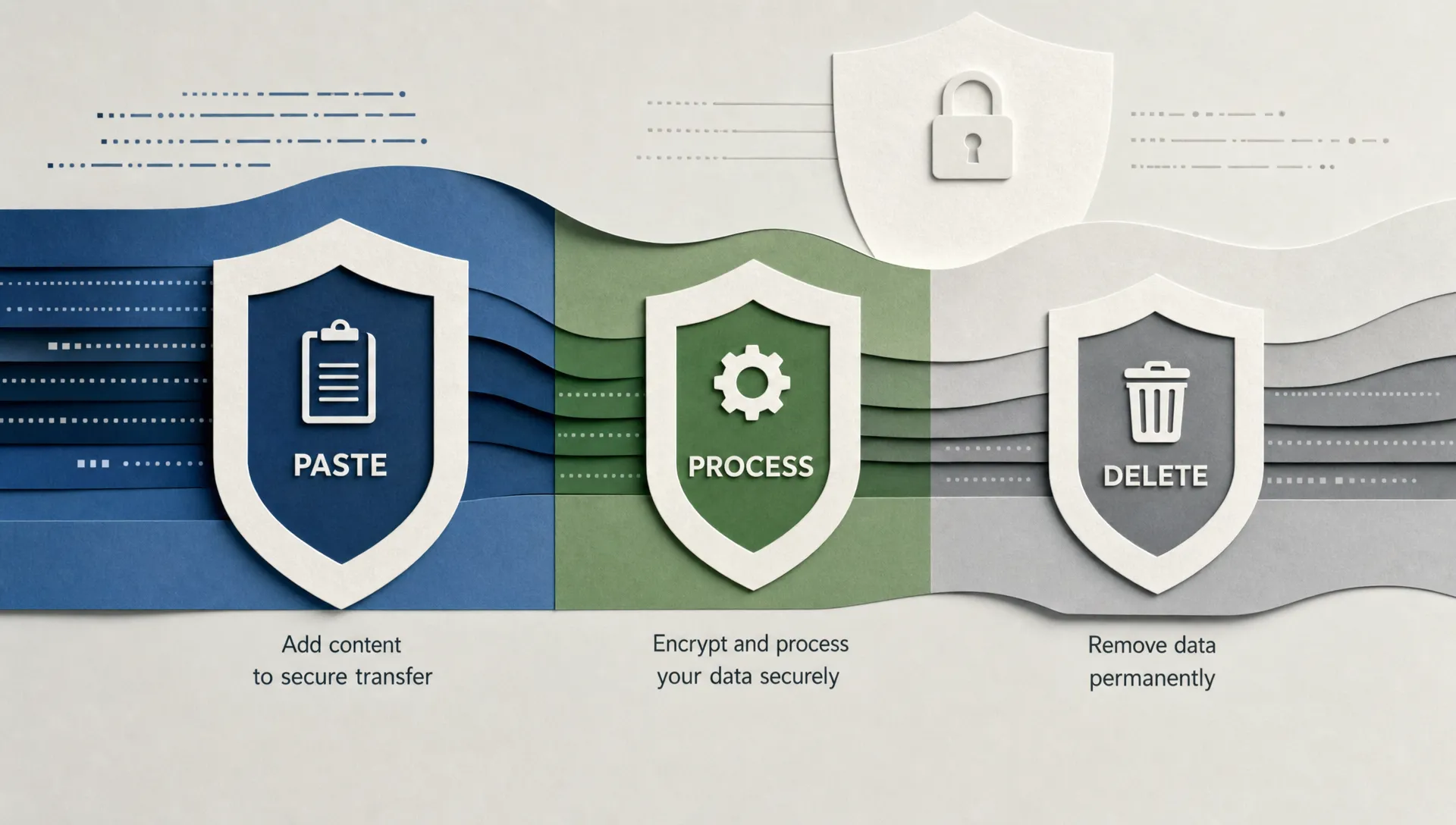
An AI humanizer can feel like a simple copy-paste tool: you add a draft, press a button and get a more natural version back. From a privacy perspective, though, that paste box is a data intake form. The text may contain names, school details, client information, unpublished ideas, citations, metadata or clues about who wrote it.
That does not mean every AI humanizer is unsafe. It does mean AI humanizer privacy depends on what the tool collects, where it sends your text, how long it keeps it and whether third parties are involved. A tool can be fast, free and useful while still requiring a careful redaction habit from the person using it.
This guide explains what can happen to text you paste into a humanizer, which privacy policy terms matter and how to reduce risk before using any AI writing tool, AI content detector or plagiarism checker.
Want to bypass Turnitin in 2026? Grab the free prompt pack.
Get the exact text-humanization prompts I use to drop an AI score by hand — copy, paste, submit. Free, straight to your inbox.
Send me the free prompts →The short answer: pasted text may travel farther than you think
When you paste text into an AI humanizer, one of three things usually happens. The tool may process the text locally in your browser, send it to the website's own server or forward it to a third-party AI model through an API. Fully local processing is the most private in theory, but many browser-based humanizers still rely on server-side processing because rewriting text well requires substantial computing power.
Even when the visible workflow is instant, the hidden workflow can include several systems. Your browser sends a request, the server receives the text, the rewriting model generates an output, logs may record the request, anti-abuse tools may inspect traffic and analytics tools may measure page behavior. If the tool offers saved history, detailed reports or account features, there may be more storage involved.
HTTPS matters because it encrypts data in transit between your device and the site. It does not mean the provider cannot read, log or store what you submitted once it reaches their infrastructure. Privacy depends on policy, architecture and operational discipline, not just the lock icon in your browser.
The typical AI humanizer data flow
Every tool is different, but most AI humanizers follow a similar path. Understanding that path helps you ask better questions before pasting sensitive content.
Your browser sends the text
The text starts in your browser. If the tool is web-based, your draft is usually sent as a request to the service. Alongside the text, the request may include your IP address, browser type, approximate location, device information, cookie identifiers and usage data.
A no-signup tool reduces the amount of identity data attached to your use, but it does not make you anonymous by default. Your session can still be associated with technical identifiers, especially if the site uses analytics, ads or fraud prevention services.
The server or model processes the request
The humanizer needs to analyze your text and produce a rewritten version. That may happen on the tool's own infrastructure or through a model provider. If a third-party model is used, the privacy rules of that provider may apply in addition to the rules of the humanizer website.
This is why a privacy policy should mention service providers, subprocessors or vendors. If it does not, you may not know whether your text is being processed entirely by the site or passed through another AI system.
Logs, monitoring and backups may capture data
Even if a tool says it does not save your document, some systems automatically create logs. Logs are useful for debugging errors, preventing abuse and measuring performance. The privacy risk appears when logs contain the actual pasted text rather than only technical metadata.
Backups can also matter. A platform might delete the visible output from the user interface but keep copies in backups for a limited period. That is not automatically malicious, but it should be disclosed clearly when the content could include personal or confidential data.
Analytics and session tools can add risk
Many websites use analytics to understand traffic. In a well-configured setup, analytics tools should not collect the actual contents of a text box. Misconfigured session replay tools, however, can capture form input unless fields are masked.
For ordinary browsing, that might be a minor concern. For AI humanizers, the input box is the product. If the site has poor privacy controls, the most sensitive part of the session is exactly what could be exposed.
Storage is not the only privacy question
People often ask, "Does the humanizer store my text?" That is a good starting point, but it is too narrow. A tool may avoid long-term storage yet still process your text through a vendor. Another may store your text temporarily to generate reports. Another may keep outputs to improve quality.
The more useful question is: what can happen to the data during and after processing?
| Possible data use | What it means | Why it matters |
|---|---|---|
| One-time processing | The tool uses your text to generate an output, then does not intentionally retain it | Lowest risk if logs and vendors are also controlled |
| Temporary retention | The text is stored for hours or days for abuse prevention, debugging or queue handling | Acceptable for some use cases, risky for confidential drafts |
| Saved history or reports | The tool keeps inputs, outputs or detection reports in an account or session | Convenient, but creates a content archive |
| Product improvement | The provider may review or analyze submissions to improve the service | Could expose unpublished, personal or client content |
| Model training | Your text may be used to train or fine-tune models | High concern for private work, confidential material and original writing |
| Vendor processing | A third-party AI or infrastructure provider handles the text | Requires trust in more than one company |
The NIST Privacy Framework treats privacy as a risk management issue, not a checkbox. That framing fits AI humanizers well. The risk is not only whether data is collected, but whether the processing could create problems for individuals, organizations or communities.
Text you should not paste as-is
A good rule is simple: if you would not email the text to an unknown support inbox, do not paste it into an unknown AI humanizer. The risk rises sharply when the draft contains information that identifies a person, reveals private circumstances or belongs to an employer, client or institution.
Be especially careful with:
- Names, emails, phone numbers, addresses, student IDs or employee IDs
- Client documents, internal memos, contracts, financial figures or strategy notes
- Medical, legal, immigration, disciplinary or HR-related information
- Unpublished research, source interviews, manuscripts or paid writing drafts
- Login credentials, API keys, private links, invite codes or hidden comments
- Full academic submissions that include your name, institution, course, instructor or file metadata
This is why a redaction pass should come before any rewrite. Detection Drama has a separate guide on what to remove before using an AI humanizer that covers sensitive information, prompt residue, fake citations and other material that should not travel into a rewriting tool.
Why no-email humanizers help, but do not solve everything
No-email tools are popular for a good reason. If a humanizer does not require an account, you do not have to provide a name, email address, password, payment details or social login. That reduces the amount of personal data attached to the rewrite session.
Still, no email does not mean no data. A tool may still receive your IP address, browser details, pasted content and output. It may still use cookies or pass traffic through infrastructure providers. It may still store logs temporarily. No-email access is a privacy advantage, but only one part of the picture.
If speed and low friction matter, start with options that minimize account data, then apply the same content-safety rules. Detection Drama's roundup of no-email AI humanizer tools is useful for comparing that specific tradeoff without assuming that account-free equals risk-free.
How to read an AI humanizer privacy policy
Privacy policies are not exciting reading, but a few phrases reveal a lot. You do not need to be a lawyer to spot the difference between a tool that has thought through data handling and one that uses vague boilerplate.
If your text includes personal data, the legal stakes can be higher. Under the EU's General Data Protection Regulation, personal data includes information relating to an identified or identifiable natural person. The official GDPR text is available through EUR-Lex, and similar concepts appear in many privacy laws outside Europe.
| Policy wording | What to ask before pasting |
|---|---|
| "We may use your content to improve our services" | Does improvement include human review, model training or only aggregate analytics? |
| "We do not sell personal information" | Does the tool still share data with vendors, analytics providers or ad partners? |
| "We retain data as long as necessary" | Necessary for what, and for how many days or months? |
| "We use third-party service providers" | Which providers process text, and where are they located? |
| "Anonymized or aggregated data" | Is the actual text stripped of identifiers before analysis, or only separated from your account? |
| "You may request deletion" | Is deletion available without an account, and does it include backups? |
A strong policy is specific about retention, training, subprocessors, security measures and deletion rights. A weak policy uses broad language without saying whether your pasted content is stored, reviewed or used for model improvement.
Free AI humanizers and the privacy tradeoff
A free AI humanizer is not automatically unsafe. Many legitimate tools use free access to build traffic, earn affiliate revenue, promote premium features or support a broader product. A free browser tool can also be more privacy-friendly than a paid account-based tool if it collects less identity data and has a clearer retention policy.
The tradeoff is that free tools still have costs: model calls, servers, bandwidth, abuse prevention and development. If a tool gives unlimited access, no signup and no visible business model, it is fair to ask how the service is funded. The answer might be harmless, but it should not be a mystery.
Some tools make strong claims around zero retention or no signup. Reviews can help you identify those claims, but claims should always be checked against the current privacy policy because products change. For example, Detection Drama's TextToHuman review discusses a tool positioned around free, browser-based use and zero data retention claims, which is exactly the kind of promise users should know how to evaluate.
AI detectors and plagiarism checkers create a second privacy layer
Many users do not stop at humanizing text. They paste the same draft into an AI content detector, then a plagiarism checker, then another detector to compare scores. From a privacy angle, that multiplies exposure. Each paste is a new disclosure to a different service with different policies.
Institutional tools such as Turnitin are governed by school, university or organization settings and policies. Random detector clones on the open web may be much harder to evaluate. Some plagiarism checkers may store submissions for comparison, depending on their design and terms. Others may not. You should not assume that a detector treats your draft the same way a humanizer does.
If you need to test a draft, use a sanitized excerpt first. Remove names, personal details, proprietary claims and anything that would cause harm if stored. For high-stakes academic, legal, medical or client work, use only tools approved by the relevant institution or contract.
A safer workflow before you humanize AI text
The goal is not to panic about every tool. The goal is to build a workflow where privacy is handled before convenience takes over. A few habits reduce most avoidable risk.
Redact before you paste
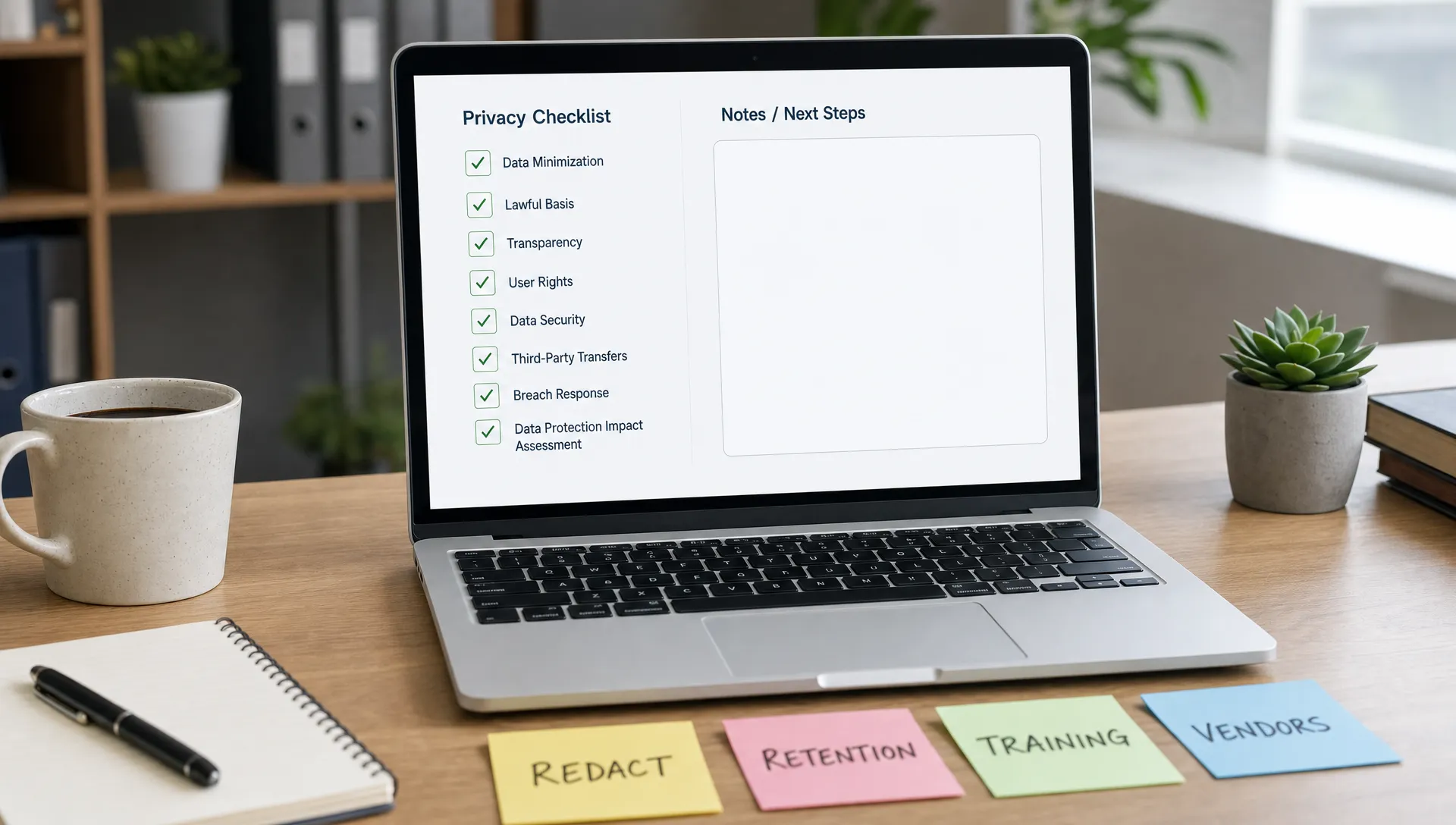
Replace sensitive details with neutral placeholders before using a text humanizer. Use labels such as [CLIENT], [SCHOOL], [CITY], [DATE] or [SOURCE A]. Keep the real version in a local document that you control. After the rewrite, restore the details manually and review the sentence for accuracy.
Redaction works best when it protects meaning. If the specific number, name or date is not needed for the rewrite, remove it. If it is needed, consider whether the tool is appropriate for that material at all.
Work in smaller sections
Pasting an entire document gives the tool more context, but it also exposes more data. Smaller sections limit the blast radius if a tool stores, logs or mishandles text. They also make it easier to catch meaning changes, hallucinated claims and awkward rewrites.
For sensitive or nuanced drafts, small-batch rewriting is safer and usually produces better editing decisions. If preserving meaning is your main concern, Detection Drama's guide on using an AI humanizer without changing meaning pairs well with a privacy-first workflow.
Check the output for leakage
Humanizing text does not remove private information. It can preserve the same facts in different wording, sometimes making them easier to understand. After rewriting, scan the output for names, identifiers, private facts, source details, numbers and claims that should not be shared.
Also check whether the tool introduced new specifics. If an AI writing tool invents a citation, statistic, quote or institution name, remove it. Privacy and accuracy are connected because false details can create reputational or academic problems even when no private data was leaked.
Use the minimum necessary tool
Do not paste sensitive text into five tools when one trusted tool is enough. Do not use a detector if you only need a grammar pass. Do not use a plagiarism checker on a private draft unless you understand how submissions are handled. The more services you involve, the harder it becomes to track where your content went.
A simple decision table can help:
| Before pasting, ask | Safer answer | Red flag |
|---|---|---|
| Does the tool require an account? | No account or optional account for non-sensitive use | Mandatory social login for a quick rewrite |
| Does the policy mention pasted content? | Yes, with clear retention and use limits | Only vague language about "data" |
| Is model training addressed? | Clearly opt-out or no training on user content | Content may be used to improve models without detail |
| Are third parties disclosed? | Vendors or categories are described | No mention of subprocessors despite AI processing |
| Can you delete data? | Deletion process is visible and realistic | No deletion path or unclear contact method |
| Is the text sensitive? | Sanitized excerpt only | Full confidential or identifiable document |
What this means for students, writers and professionals
Students often think about AI detection first and privacy second. That order can backfire. A draft may include a name, class, instructor, institution, personal story or assignment prompt. If your school has rules about AI assistance, privacy precautions do not replace those rules. A private workflow does not make prohibited use acceptable.
Freelancers and professionals face a different risk. Client drafts, internal strategy, sales figures, legal language and unpublished campaigns may be covered by contracts or NDAs. In those cases, the safest option is to use approved software, a local editing workflow or a tool explicitly allowed by the client.
Writers and researchers should be cautious with unpublished ideas, interview transcripts and manuscripts. A humanizer can improve tone, but it can also expose the exact material that creates the work's value. If you would be upset to see the draft quoted, indexed or mishandled, do not paste it into a tool you have not vetted.
A practical privacy standard for AI humanizers
A reasonable standard is not "never use AI humanizers." It is "do not paste more than the tool needs." For casual, non-sensitive text, a reputable no-email humanizer may be a practical option. For anything tied to your identity, school, employer, client, health, finances or original intellectual property, sanitize first or choose a more controlled workflow.
AI humanizer privacy is ultimately about control. You control what you paste, how much context you expose, whether you read the policy and whether you spread the same draft across multiple tools. Those choices matter more than any single marketing promise.
Frequently Asked Questions
Can an AI humanizer see the text I paste in? In most web-based tools, yes. The service usually needs access to your text to rewrite it. The real privacy question is whether the text is stored, logged, shared with vendors or used for training after processing.
Are no-email AI humanizers private? They are often better for minimizing account data, but they are not automatically private. A no-email tool may still receive your IP address, browser details and pasted content. Check the privacy policy and avoid pasting sensitive text as-is.
Can pasted text be used to train AI models? It depends on the tool's terms and architecture. Some services say they do not train on user content, some allow opt-out and others use broad language about improving services. If the policy is unclear, do not paste confidential or identifiable material.
Does humanizing text remove personal information? No. A humanizer changes wording, but it can preserve names, facts, numbers and identifying details. Redact sensitive information before pasting, then restore only what is necessary in your final draft.
Is it safe to paste a school assignment into an AI humanizer? Only if the content is non-sensitive and your institution's rules allow that use. Remove names, student IDs, instructor details and personal information first. If the assignment contains private experiences or restricted material, use a safer editing process.
Should I test the same draft in several AI detectors? Not if privacy matters. Every detector or plagiarism checker has its own data practices. Testing sanitized excerpts is safer than uploading a full identifiable draft to multiple sites.
Use AI humanizers with a privacy-first habit
AI writing tools can be useful, but the safest workflow starts before you press humanize. Remove sensitive details, use smaller sections, read the policy and avoid spreading the same draft across unnecessary tools.
Detection Drama focuses on practical AI detection and humanizer workflows, but privacy should stay part of the process. Before using any text humanizer or detector, treat the paste box like a public intake form unless the tool gives you clear reasons not to.
Want to bypass Turnitin in 2026? Grab the free prompt pack.
Get the exact text-humanization prompts I use to drop an AI score by hand — copy, paste, submit. Free, straight to your inbox.
Send me the free prompts →