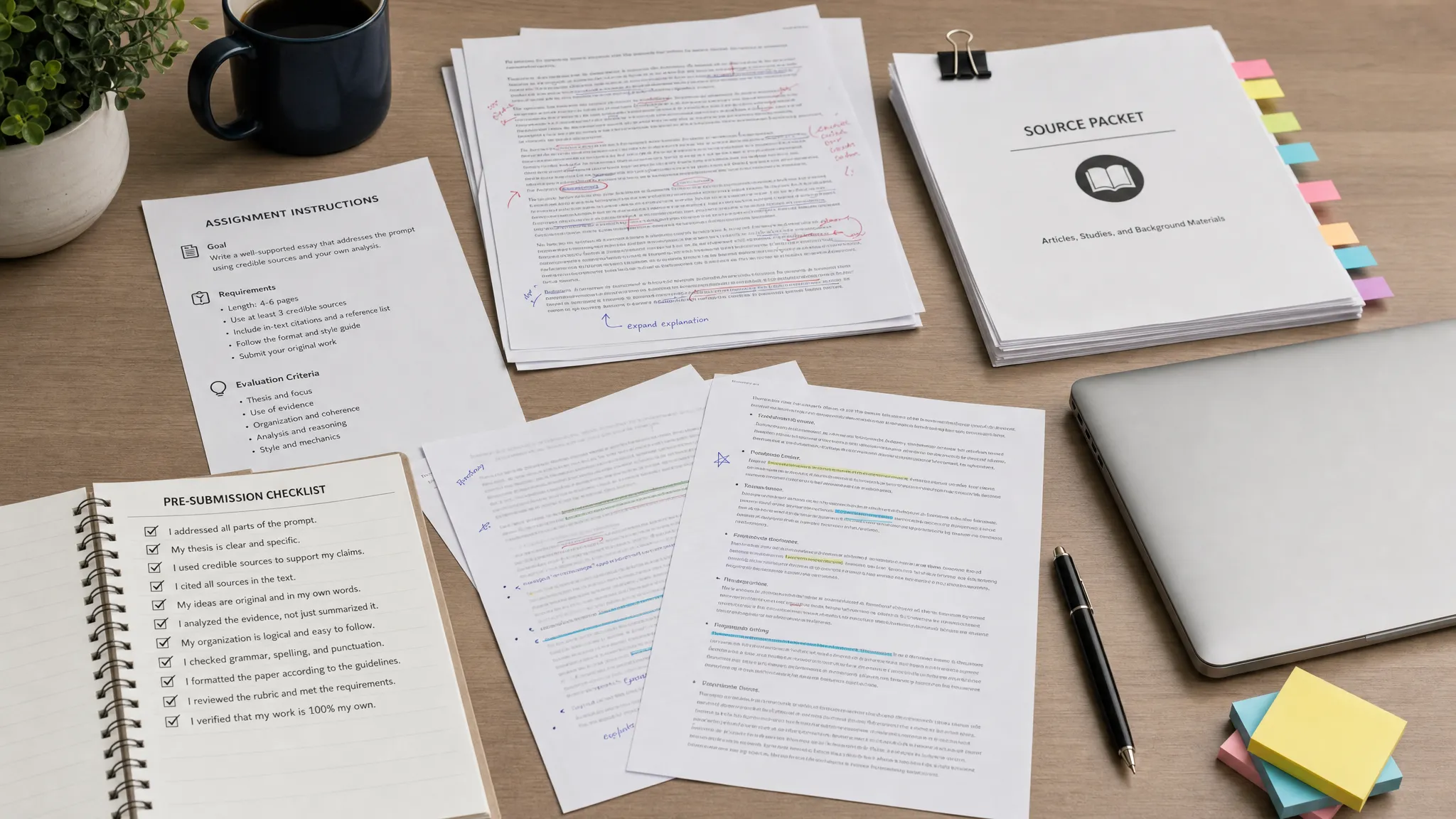
If you are searching for the best pre-submission check for Turnitin AI risk, the safest answer is not “run one detector and trust the percentage.” Turnitin’s AI indicator is a probabilistic signal, and most students cannot access the exact Turnitin AI report before submitting anyway. The better pre-submission check is a short, evidence-based audit that asks three questions: does the work follow the assignment’s AI policy, does the writing sound defensibly like you, and can you prove how the draft was created?
Want to bypass Turnitin in 2026? Grab the free prompt pack.
Get the exact text-humanization prompts I use to drop an AI score by hand — copy, paste, submit. Free, straight to your inbox.
Send me the free prompts →That matters because AI risk is not the same as plagiarism risk. A plagiarism checker looks for matching text. An AI content detector estimates whether a passage has patterns associated with AI-generated content. Those tools can disagree, and neither one proves authorship by itself. Turnitin’s own guidance frames AI writing detection as information for review rather than a standalone misconduct verdict, and research has repeatedly raised concerns about false positives, especially for non-native English writers. Stanford HAI, for example, has summarized evidence that AI detectors can be biased against non-native English writing.
So the best check before submission is a Turnitin AI risk preflight, not a panic scan. Here is how to do it without wrecking your paper, your citations, or your evidence trail.
The best pre-submission check: a 5-part Turnitin AI risk audit
A strong pre-submission check should do more than ask “what score will I get?” It should identify the parts of your paper that look generic, over-smoothed, unsupported, or hard to defend. It should also create a record that shows the work is yours.
Use this five-part audit before submitting a college essay, discussion post, research paper, or group project:
| Check | What it catches | Best evidence to save |
|---|---|---|
| Policy check | Unpermitted AI use, missing disclosure, assignment-specific rules | Syllabus, assignment prompt, AI-use note |
| Authorship check | Drafting gaps, pasted text, unexplained rewrites | Version history, outlines, notes, drafts |
| Human read-through | Generic structure, flat voice, over-polished phrasing | Comments, revision notes, professor feedback |
| Citation and claim check | Fabricated sources, unsupported claims, broken references | Source map, PDFs, database links, quote notes |
| Detector sanity check | High-risk passages that may need review | Screenshots, report date, tool used, final file |
The order is important. Do not start with a detector. Start with policy and authorship, because those are the things you can actually explain if someone asks about your work.
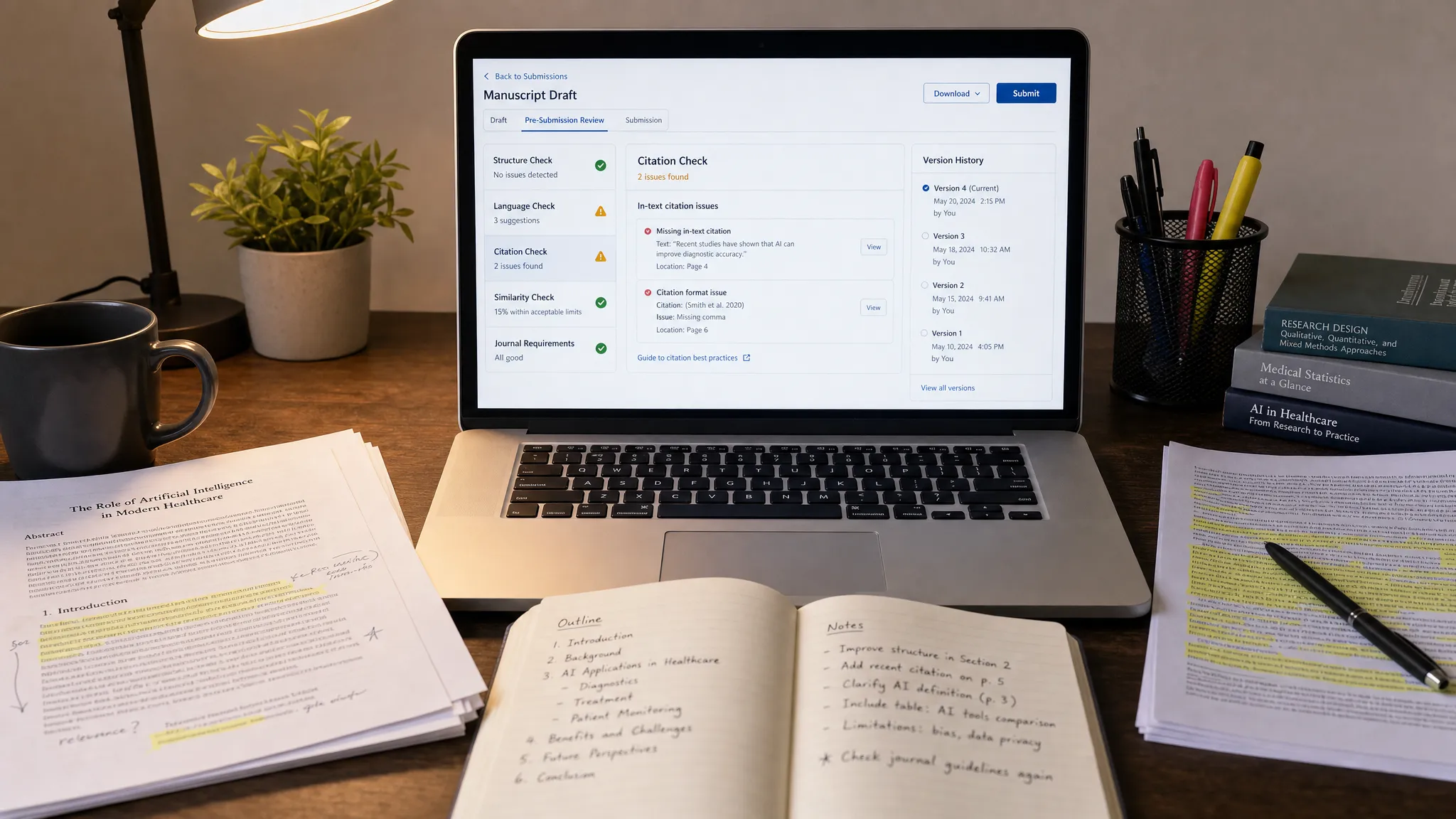
Step 1: Check the assignment policy before you check the text
Before worrying about Turnitin, read the course policy. Some instructors allow AI for brainstorming but not drafting. Some allow grammar tools but require disclosure. Some ban generative AI entirely. Others care less about the tool and more about whether you can explain and defend the final submission.
Your pre-submission check should answer these questions clearly:
- Did the assignment allow AI help at all?
- If AI was allowed, what kind of help was allowed?
- Did you use AI for brainstorming, outlining, editing, paraphrasing, or drafting?
- Do you need to disclose that use in a note, cover sheet, or appendix?
- Can you explain which parts are your own reasoning and which parts were assisted?
If the answer is unclear, do not guess. Save the policy language, ask the instructor if time allows, and keep a simple tool-use note. A one-sentence disclosure such as “I used Grammarly for grammar suggestions” or “I used ChatGPT to brainstorm possible counterarguments, then wrote and revised the essay myself” may be safer than pretending no tool touched the process, if your course allows that type of use.
Step 2: Build a proof-of-authorship trail before final edits
A Turnitin AI concern is easier to handle when you can show how the paper developed. The goal is not to create fake evidence after the fact. The goal is to preserve the real process while it still exists.
Before you submit, save these items in one folder:
- The assignment prompt and rubric
- Your outline or planning notes
- Early draft, middle draft, and final draft
- Google Docs or Word version history
- Research notes and source PDFs
- Feedback from a tutor, classmate, or instructor
- A short tool-use log if you used AI, grammar software, or a paraphraser
This is especially important if your final draft is much cleaner than your first draft. Heavy editing is normal, but if the final paper appears suddenly in one paste event, it can look suspicious during a dispute. Version history is not perfect proof, but it is strong supporting evidence when it shows gradual development, named drafts, and meaningful revisions.
For a deeper evidence workflow, see Detection Drama’s guide on how to build an authorship packet before you submit.
Step 3: Read the paper like a skeptical instructor
The most useful pre-submission check is often a human read-through. AI-like writing is not just “good grammar.” It is usually writing that feels too smooth, too balanced, too generic, and too detached from the actual assignment.
Read your paper once without editing and mark any paragraph that has one of these problems:
| Risk signal | What it looks like | Better revision target |
|---|---|---|
| Generic opening | “Throughout history, society has faced many challenges…” | Start with the assigned text, case, dataset, or question |
| Symmetrical paragraphing | Every paragraph has the same length and rhythm | Let evidence and argument determine paragraph shape |
| Vague claims | “This shows the importance of communication” | Name the specific mechanism, consequence, or tradeoff |
| Empty transitions | “Moreover,” “Furthermore,” and “In conclusion” repeated mechanically | Use transitions that explain logic, not just sequence |
| No personal reasoning | The paper summarizes but never makes choices | Add why you selected, rejected, or interpreted evidence |
| Over-polished voice | Sounds unlike your normal writing or class discussion style | Restore natural phrasing and sentence variety |
The fix is not to make the paper worse on purpose. Do not add typos, awkward phrasing, or random slang. Instead, make the writing more specific, more sourced, and more traceable to your thinking.
For example, instead of writing, “This demonstrates that leadership is essential in organizational success,” write something closer to your actual reasoning: “In this case, leadership mattered because the manager changed the incentive structure before asking employees to change behavior. Without that step, the communication plan would probably have sounded like another top-down announcement.”
That kind of revision is harder to fake because it shows judgment.
Step 4: Check citations, references, and source-to-claim accuracy
AI risk and citation risk often overlap. A paper can sound suspicious when it includes polished claims without clear evidence. Worse, AI-assisted drafts may contain sources that look real but do not actually support the claim.
Before submitting, choose five to ten key claims and trace each one back to a source. Ask whether the source really says what your sentence says. Then check names, dates, page numbers, DOIs, URLs, and reference formatting.
This is also where many humanizer and paraphrasing tools create problems. They may preserve the basic topic while changing the claim, weakening the evidence, or breaking APA or MLA formatting. Never run a reference list, direct quote, DOI, statute, equation, or technical term through a rewrite tool without checking it manually afterward.
If your work uses APA, MLA, or citation-heavy formatting, this related guide may help: how to humanize AI text without breaking APA or MLA.
Step 5: Use detectors as diagnostics, not verdicts
A public AI detector can be useful before submission, but only if you treat it as a warning light. It cannot tell you exactly what Turnitin will say. Different detectors use different models, thresholds, preprocessing rules, and text-length assumptions. A draft can look human to one tool and risky to another.
If you use an AI content detector before submitting, follow a low-drama process:
- Save your current draft first.
- Run only the sections you are comfortable uploading to that service.
- Record the tool name and date if the result worries you.
- Look for highlighted passages or repeated risk zones.
- Revise for clarity, specificity, evidence, and voice.
- Compare the revised draft against your sources and notes.
- Stop chasing scores once the paper is accurate, compliant, and defensible.
The last point matters. Repeatedly rewriting a paper to satisfy multiple detectors can make it worse. You may introduce factual errors, unnatural phrasing, or a voice that no longer matches your usual work. If a detector flags a paragraph, ask “what makes this paragraph generic or unsupported?” rather than “how do I trick the detector?”
Detection Drama’s free tools and guides can help you run an initial AI authenticity review or clean up AI-assisted language, but your final check should always be manual. If you use a text humanizer or GPTHuman-style rewrite workflow, treat it as an editing aid, not a substitute for your own argument and evidence.
What not to use as a pre-submission Turnitin check
Not every “Turnitin checker” is safe. Be careful with any website that claims to show your exact Turnitin AI score before submission, especially if it asks for your full paper, school login, payment details, or email without explaining data handling.
Avoid these risky shortcuts:
- Fake “free Turnitin AI check” websites that are not connected to your institution
- Hidden-character tricks, invisible Unicode, or formatting hacks
- Rewriting citations, quotes, or reference lists through a humanizer
- Running the same paper through endless detectors until it sounds unnatural
- Deleting version history or replacing your draft after a worrying score
- Submitting AI-written work that violates your course policy
Hidden-character tricks are especially weak. They may change how text is processed in some tools, but they do not create real authorship and can look deceptive if discovered. If you need to revise, revise the actual writing.
A practical pre-submission checklist you can finish in 20 minutes
If your deadline is close, use this compressed workflow:
| Minute | Action | Goal |
|---|---|---|
| 0-3 | Re-read the AI policy and prompt | Confirm what is allowed |
| 3-6 | Save the current file and version history | Preserve evidence |
| 6-10 | Highlight generic or over-smooth paragraphs | Find AI-like risk zones |
| 10-14 | Check key claims against sources | Prevent citation and fact errors |
| 14-17 | Run an optional diagnostic scan | Identify passages needing review |
| 17-20 | Final read-aloud and submission copy save | Catch unnatural phrasing and keep proof |
If you have more time, add a one-page process memo for yourself. It can include when you started, what sources you used, what feedback you received, what tools you used, and what changed between drafts. You may never need it, but if your work is questioned, it can help you respond calmly.
How to interpret your risk level before submitting
No checklist can guarantee a Turnitin AI result. Still, you can estimate whether your paper is in a safer or riskier position.
| Risk level | Signs before submission | What to do next |
|---|---|---|
| Lower risk | Clear drafts, specific argument, accurate citations, policy-compliant tool use | Submit with saved evidence |
| Medium risk | Some generic sections, heavy grammar editing, weak version history | Revise high-risk passages and save notes |
| Higher risk | Large pasted sections, unclear AI use, unsupported claims, voice mismatch | Rebuild draft evidence, disclose permitted use, or ask for guidance |
| Critical risk | AI-written submission banned by policy, fake sources, no ability to explain content | Do not submit as-is |
The best pre-submission check is not about making a detector happy. It is about making the work explainable. If you can walk through your thesis, sources, revisions, and decisions, you are in a much stronger position than someone who only has a low score screenshot.
Frequently Asked Questions
Can I check my Turnitin AI score before submitting? Usually, students cannot access the exact institutional Turnitin AI score unless the school or instructor provides a draft-check option. Public detectors can give a rough diagnostic, but they cannot guarantee what Turnitin will show.
What is the safest pre-submission check for Turnitin AI risk? The safest check combines policy review, authorship evidence, a human read-through, citation verification, and optional detector diagnostics. A single AI score is weaker than a documented writing process.
Should I use a humanizer before submitting to Turnitin? A humanizer can sometimes make AI-assisted text read more naturally, but it can also distort meaning, citations, tone, and facts. Use it cautiously, review every change, and never use it to hide prohibited AI use.
Can Grammarly or editing tools increase AI risk? Heavy grammar smoothing can make writing more uniform, which may contribute to AI-like signals in some cases. Keep drafts before and after editing, and avoid accepting every suggestion if it removes your natural voice.
Is a low AI detector score enough proof that my paper is safe? No. Detectors disagree, and a low score from one tool does not guarantee a low Turnitin result. Your strongest protection is accurate work, course-policy compliance, and proof of your drafting process.
What should I do if my pre-check looks risky right before the deadline? Save the current draft, identify the specific risky passages, revise for specificity and evidence, and keep a record of what changed. Do not panic-rewrite the whole paper or delete your drafting history.
Final recommendation
The best pre-submission check for Turnitin AI risk is an authorship-first audit: confirm the policy, preserve your drafts, strengthen generic passages, verify citations, and use detectors only as diagnostic tools.
If you want a quick first pass, start with Detection Drama for free AI detection and humanization resources, then do the final human review yourself. The goal is not just to submit text that “passes.” The goal is to submit work you can explain, defend, and stand behind.
