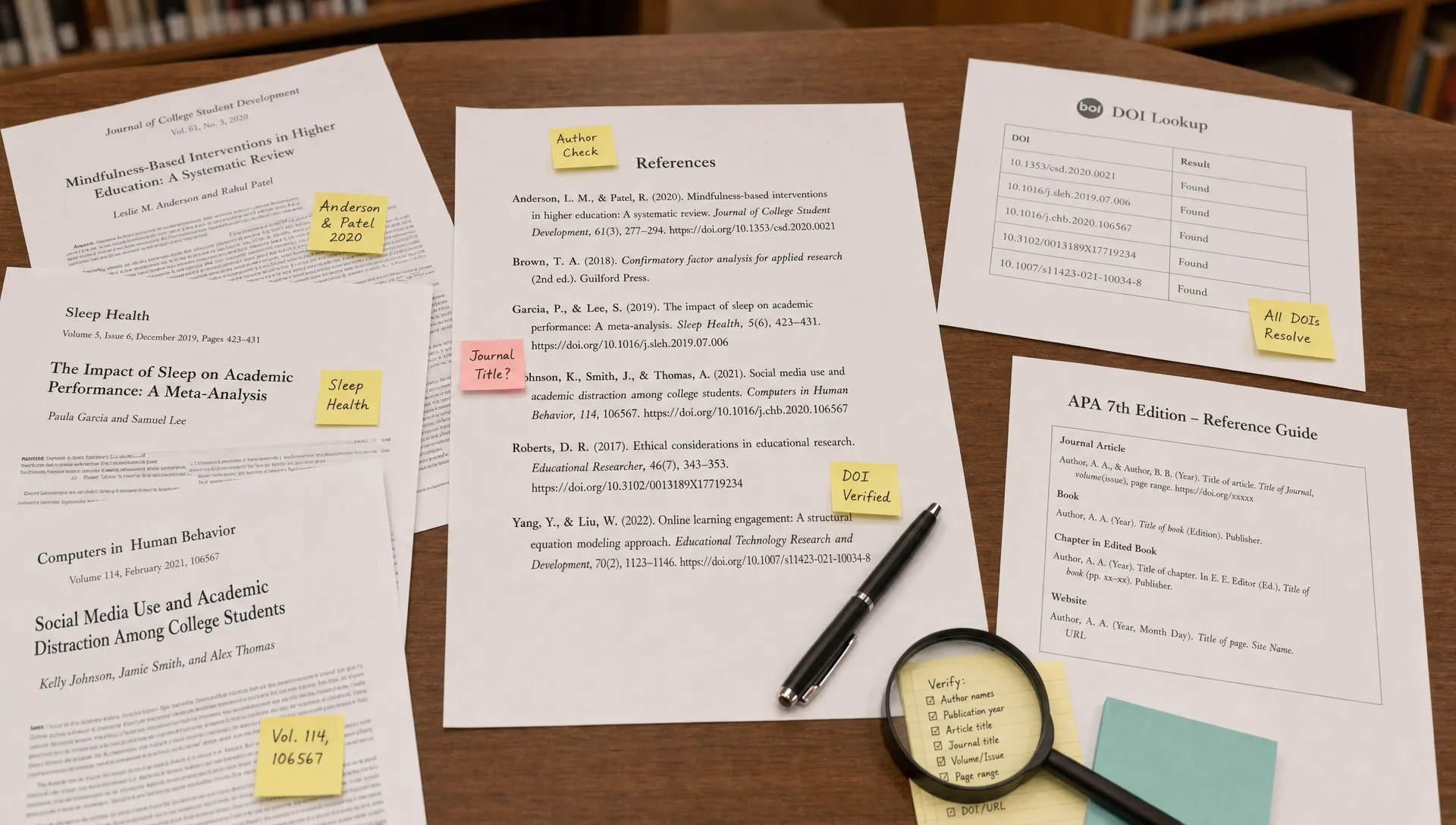
If Turnitin flagged your references page, do not assume the worst. A bibliography is one of the most match-heavy parts of an academic paper because it contains exact titles, author names, journal names, publisher names, DOI strings, and URLs. Those details are supposed to match other sources. In many cases, the problem is not plagiarism or AI writing at all. It is a report interpretation issue, a filter setting, or a citation formatting problem.
The key is to identify what kind of flag you are seeing, then check the reference list systematically before you contact your instructor. A highlighted reference page can be annoying, but it is usually fixable or explainable.
Want to bypass Turnitin in 2026? Grab the free prompt pack.
Get the exact text-humanization prompts I use to drop an AI score by hand — copy, paste, submit. Free, straight to your inbox.
Send me the free prompts →First, confirm what Turnitin actually flagged
Students often use the word flagged for several different things. Before changing your paper, make sure you know which report is involved.
| What you see | What it usually means | First thing to check |
|---|---|---|
| Colored matches on references | Similarity report matched citation text, URLs, titles, or DOI strings | Bibliography exclusion settings and source matches |
| High Similarity percentage | References, quotes, templates, or common phrases may be inflating the score | Exclude bibliography, exclude quotes, and inspect matched sources |
| AI percentage or AI highlights | Turnitin is predicting AI-like prose patterns in selected text | Check whether the highlighted text is citation entries or written annotations |
| Instructor comment on sources | A person noticed citation quality, missing sources, or suspicious references | Verify each source exists and matches the claim in your paper |
This distinction matters because Turnitin Similarity and Turnitin AI detection are not the same thing. Similarity matching compares text against databases, websites, papers, and publications. AI detection looks for patterns associated with AI-generated writing. A references page that lights up in the Similarity report is common. A references page being treated as AI-written is a different issue and needs a different response.
For a deeper explanation of why citation strings are appearing in reports more often, see Detection Drama’s guide on why Turnitin is flagging references and DOIs now.
Check whether the bibliography was excluded
The most basic check is whether the Similarity report is including your reference list. Turnitin has options that can exclude bibliography and quoted material from the Similarity calculation, but those settings may depend on the assignment setup, instructor permissions, or the version of the report you are allowed to view.
If your references are included, the Similarity score can look much higher than it really is. A paper with properly cited sources might appear suspicious simply because every source title and DOI is being matched to databases, publisher pages, or other student papers that cite the same works.
Look for a filter or setting labeled something like Exclude Bibliography in the Similarity report. If you cannot change it yourself, ask your instructor whether they can view the report with the bibliography excluded. This is especially important if the highlighted text is mostly after the References, Works Cited, or Bibliography heading.
Also check the heading itself. Turnitin is more likely to recognize conventional labels than unusual ones. A heading like Sources I Used, Research Links, or Citation Dump may not be treated the same way as a standard citation section. Use the heading required by your style guide, such as References for APA or Works Cited for MLA.
If quotes are part of the same problem, Detection Drama has a related guide on Turnitin settings that fix quoted text being marked as plagiarism.
Check DOI, URL, and title matches
DOIs and URLs are designed to be exact. If Turnitin highlights them, that does not automatically indicate misconduct. In fact, a DOI that does not match anything could be a bigger concern than one that does.
Still, you should verify that each DOI or URL belongs to the source you cited. A copied DOI from the wrong article, a broken link, or a citation-generator mix-up can make your references look careless. Use a reliable lookup tool such as Crossref Metadata Search to confirm that the DOI, title, journal, and authors line up.
For each highlighted reference, check these details:
- The author names match the source.
- The publication year is correct.
- The title is spelled correctly and not shortened incorrectly.
- The journal, book, website, or publisher is accurate.
- The DOI or stable URL leads to the source you actually used.
- The source appears in your in-text citations, if your assignment requires that.
Do not try to reduce matches by changing article titles, inserting spaces into DOIs, or breaking URLs. That can create citation errors and make the reference list less credible. A matched DOI is usually normal. A manipulated DOI looks suspicious and may make it harder for your instructor to verify your work.
Check whether the source actually exists
This is the most important check if you used AI writing tools, citation generators, browser extensions, or copied references from another paper. AI systems can produce realistic-looking citations for sources that do not exist. Citation generators can also pull incomplete metadata from the wrong page.
A fake reference may include a real journal name, a plausible article title, and even a DOI-like string. But when you search the title or DOI, the source may not appear. If your instructor sees references that cannot be verified, that is a real academic integrity problem, even if the Turnitin flag itself was only a Similarity match.
A simple verification workflow works well. Search the exact title in your university library, Google Scholar, Crossref, or the publisher’s website. Open the source and confirm that it supports the point you cited in your paper. If you cannot access the full text, at least verify the abstract, publication details, and DOI from a trusted database.
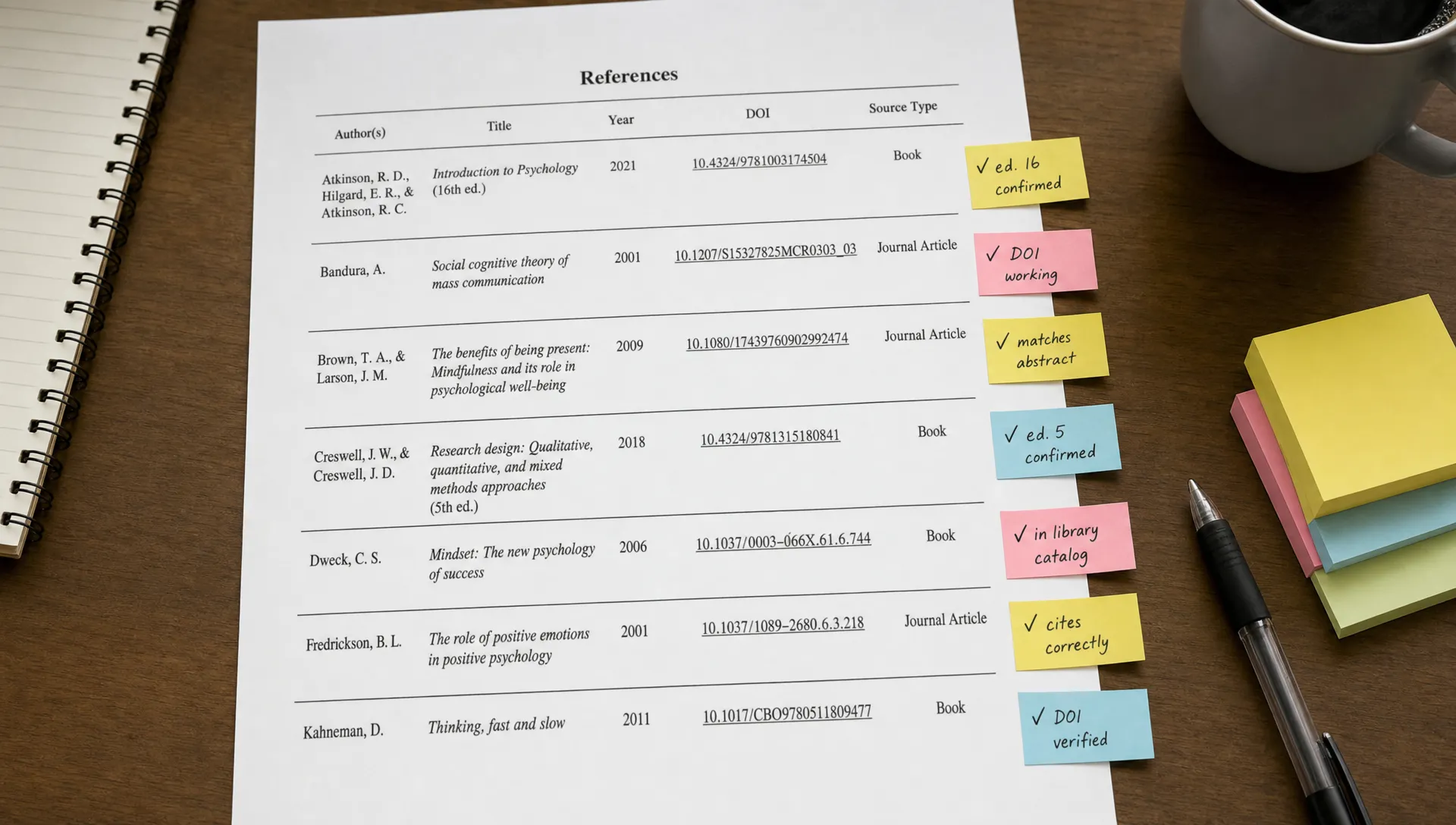
If a source is fake or does not support your claim, do not try to make it look more convincing. Replace it with a real source you actually read, then update the in-text citation and surrounding paragraph. This is not about bypassing a detector. It is about making the academic record accurate.
Check citation style and formatting
A messy references page can attract attention even if Turnitin is not accusing you of anything. Instructors often review highlighted reference lists manually, and formatting errors can make normal matches look more questionable.
Use the style guide required by your class. APA, MLA, Chicago, Harvard, and IEEE each handle titles, author order, dates, access dates, capitalization, and URLs differently. The APA Style reference examples, MLA Works Cited quick guide, and Purdue OWL citation resources are useful starting points.
Pay attention to repeated formatting patterns. If every source has the exact same awkward phrasing, unnecessary labels, or copied database text, the references page may look machine-generated. Common citation-generator artifacts include missing italics, duplicated publisher names, all-caps titles, incorrect source types, and leftover labels such as Online database or Citation generated by.
A clean references page should be boring in the right way. It should follow one style consistently, include only necessary information, and make every source easy to locate.
Check annotated bibliographies and source summaries
Sometimes the problem is not the citation entry itself. It is the writing attached to the reference. Annotated bibliographies, literature reviews, and source evaluation assignments often include short summaries under each citation. Those summaries are prose, so they can be affected by AI detection in a way ordinary citation entries usually are not.
If Turnitin highlighted the annotations, ask yourself whether the writing sounds overly uniform. AI-like annotations often have the same structure for every source: one sentence summarizing the article, one sentence praising its relevance, and one sentence saying it will be useful for the essay. Human annotations usually vary more because different sources play different roles.
That does not mean a formulaic annotation is automatically AI-written. Many students are taught templates. But if you wrote the annotations yourself, preserve evidence of your process. Keep notes, outlines, drafts, browser history, PDFs with highlights, and version history. If you are dealing with an AI indicator rather than a Similarity match, use Detection Drama’s Turnitin AI false positives checklist to organize your evidence before responding.
Check for self-matches and shared templates
A references page can also match previous submissions. This is common if you submitted a draft to Turnitin earlier, uploaded the same paper for a pre-check, or reused sources from a prior assignment. It can also happen in group projects where several students cite the same required readings.
Self-matching is not automatically wrongdoing, but it should be explained clearly. If a report shows a match to a prior submission under your name, tell your instructor. If it matches a shared class template, assignment prompt, required reading list, or group bibliography, point that out too.
Be careful with third-party pre-check services. Uploading your paper to unknown platforms can create privacy issues or future matching problems if the document is stored or indexed. If you need to check your work before submission, use tools approved by your institution whenever possible.
What not to do when references are flagged
A bad reaction can turn a harmless report issue into a real problem. Avoid quick fixes that make the reference list less accurate.
Do not remove your references just to lower the Similarity score. Do not rewrite source titles in your own words. Do not delete DOI links if your style guide or instructor expects them. Do not swap in sources you did not read. Do not run citation entries through a paraphraser or text humanizer, because names, titles, dates, and DOIs must remain exact.
The goal is not to make references invisible to Turnitin. The goal is to show that the matches are legitimate, the sources are real, and your paper uses them honestly.
How to explain the issue to your instructor
If your references page is driving the flag, a calm message is usually better than a defensive one. Keep it short, factual, and focused on verification.
You can write something like this:
Hi Professor, I noticed that the Turnitin report appears to highlight many entries on my references page, especially DOI links, article titles, and publisher information. I checked the sources and confirmed that the citation details match the materials I used. Would it be possible to view the report with the bibliography excluded, or let me know if there is a specific reference you would like me to correct?
If you made a genuine citation error, acknowledge it and fix it. Instructors are usually more receptive to a student who says a DOI was copied incorrectly than to a student who tries to argue that the report is meaningless.
Before you send the message, prepare a clean copy of the reference list, PDFs or links for the sources, and any draft notes that show how the sources were used. If the issue involves annotations or AI detection, include version history or research notes when appropriate.
Quick final checklist
Before you panic about a flagged references page, review the basics in order.
- Confirm whether the issue is Similarity, AI detection, or instructor feedback.
- Check whether bibliography exclusion was applied.
- Use a standard heading such as
ReferencesorWorks Cited. - Verify every DOI, URL, title, author, and year.
- Remove citation-generator artifacts and formatting mistakes.
- Confirm that each source exists and supports the claim you cite.
- Preserve drafts and notes if any prose annotations were flagged.
- Ask your instructor to review the report with the bibliography excluded if needed.
Most reference-page flags are explainable. The strongest response is accuracy, documentation, and a clear understanding of what the Turnitin report is actually showing.
Frequently Asked Questions
Is it plagiarism if Turnitin matches my references page? Not necessarily. Reference entries often match because titles, author names, journal names, DOI strings, and URLs are public information that should be written accurately. The important question is whether the sources are real, cited properly, and actually used in your paper.
Should I delete DOIs or URLs to lower my Similarity score? No. If your citation style or instructor expects DOI links or URLs, keep them. You can remove unnecessary tracking parameters or fix broken links, but you should not alter citation details just to avoid a match.
Can Turnitin AI detection flag a references page? Standard citation entries are not the same as essay prose, but annotations, source summaries, and literature review notes can be assessed as writing. If the highlighted text is a paragraph under each source, treat it as an AI-detection issue and gather drafting evidence.
What if Turnitin matches my references to another student paper? That can happen when multiple students cite the same required readings, journal articles, or textbook chapters. Check whether the match is only the citation entry. If so, ask your instructor whether the bibliography can be excluded from the report.
What if one of my references is fake or wrong? Correct it immediately. Replace fake, unverifiable, or mismatched citations with real sources you actually consulted. A fabricated reference is more serious than a high Similarity score caused by legitimate DOI matches.
Need help separating citation issues from AI-detection issues?
If your Turnitin report is confusing, Detection Drama can help you understand whether you are dealing with normal citation matches, inflated Similarity, or AI-detection risk in the body of your writing. Explore Detection Drama’s free guides and instant tools to review your next steps before you respond, revise, or resubmit.
