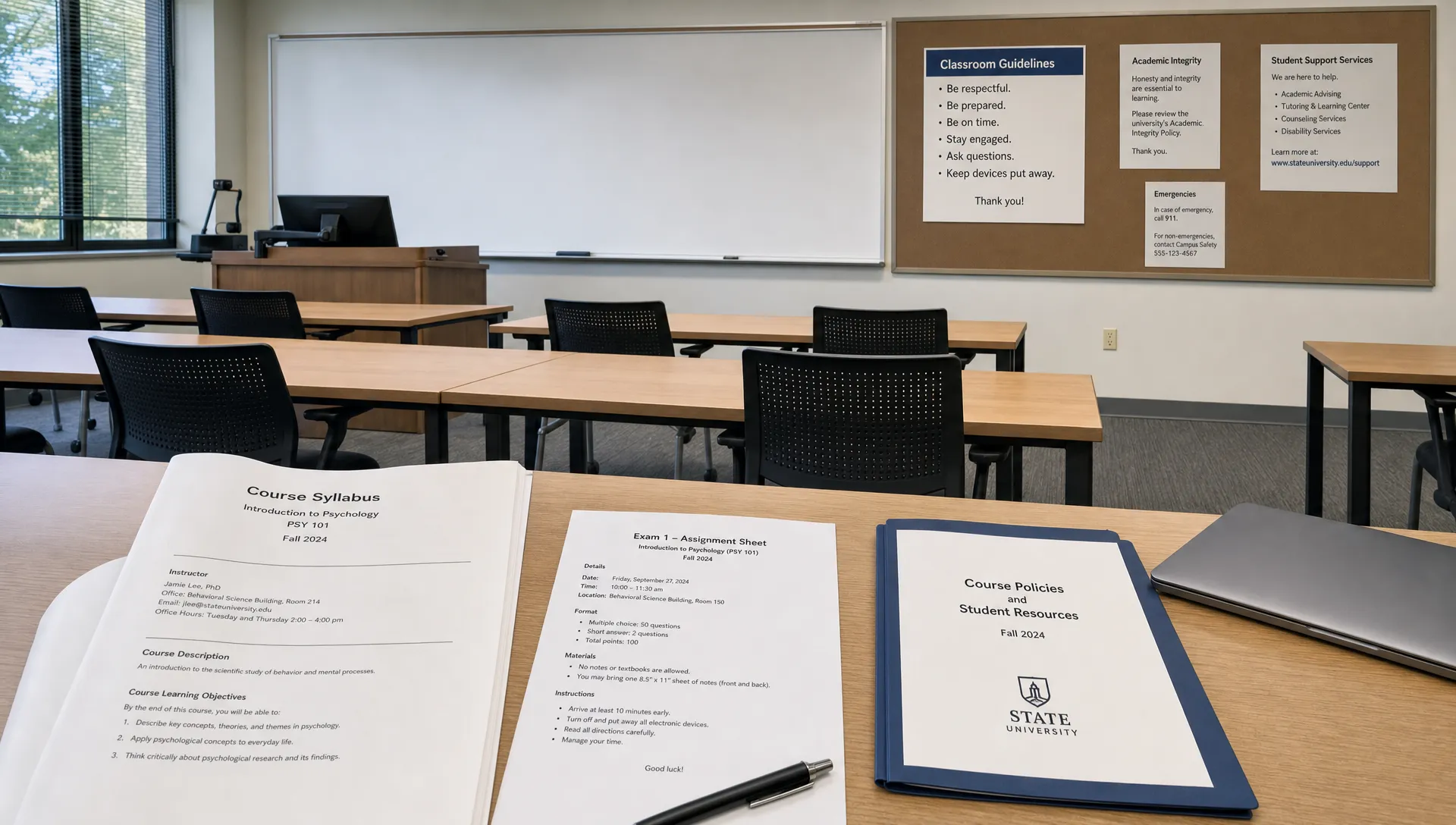
A missing AI policy in a class syllabus can feel like a green light, but it usually is not that simple. In college, silence rarely means “anything goes.” It means you need to find the rule that applies before you use ChatGPT, Claude, Gemini or any other AI writing tool on graded work.
The safest move is not to panic and not to assume. Treat a syllabus with no AI policy as an ambiguity to resolve. Your professor may be following a department rule, your school may have a broader academic integrity policy or the assignment prompt may contain its own restrictions. If none of those answer the question, ask for clarification in writing before you submit.
This guide walks through what to check, what to ask and how to protect yourself if the syllabus says nothing about AI.
Want to bypass Turnitin in 2026? Grab the free prompt pack.
Get the exact text-humanization prompts I use to drop an AI score by hand — copy, paste, submit. Free, straight to your inbox.
Send me the free prompts →First, understand what “no AI policy” actually means
A syllabus is important, but it is not always the only rulebook for a course. Many professors use the syllabus to summarize expectations, not to restate every institutional policy. A class may have no visible AI section and still be covered by rules on unauthorized assistance, plagiarism, citation, collaboration or academic honesty.
That matters because AI use can fall into different categories depending on how you use it. Asking a tool to explain a hard concept is not the same as submitting a generated essay. Using AI to catch grammar errors is not the same as letting it create your argument. A professor who is comfortable with one may prohibit the other.
In practice, a missing AI policy creates three risks:
- You may violate a broader university rule without realizing it.
- Your professor may interpret AI use differently than you do.
- An AI detection flag may create a dispute even if you thought your use was harmless.
That last point is especially important. AI detectors and plagiarism checkers are not the same thing. A plagiarism checker compares your work to existing sources. An AI content detector estimates whether text resembles AI-generated content. If a course is silent on AI, neither tool automatically tells you what is allowed.
Check these places before you use AI
Before emailing your professor, do a quick policy search. You want to know whether the answer is already available somewhere else.
Start with the assignment prompt. Professors often place the most specific rules there, especially for essays, discussion posts, lab reports and take-home exams. Look for language about outside assistance, automated tools, originality, drafting, translation, editing, collaboration or “your own words.” AI may be restricted even if the word “AI” never appears.
Next, check your school’s academic integrity policy. Search your university website for terms like “generative AI,” “ChatGPT,” “unauthorized assistance” and “academic honesty.” If your course uses a learning management system such as Canvas, Blackboard, Moodle or Brightspace, check the course homepage and assignment pages too.
If you want a more detailed pre-submission review, use an AI writing policy checklist so you are not relying on one missing paragraph in the syllabus.
Here is a simple way to read the hierarchy of rules:
| Where the rule appears | Why it matters | What to do if it conflicts |
|---|---|---|
| Assignment prompt | Usually the most specific rule for that task | Follow it unless the professor clarifies otherwise |
| Syllabus | Sets course-level expectations | Ask if the syllabus is silent or unclear |
| Department policy | May apply across similar courses | Treat it as binding unless told otherwise |
| University academic integrity policy | Applies broadly to enrolled students | Follow it even if the syllabus does not repeat it |
| Professor email or LMS announcement | Creates a written clarification | Save it with your assignment records |
If the prompt, syllabus and school policy all stay silent, you still have one more step: ask.
Email your professor before you submit
A short, neutral email is usually enough. The goal is not to confess, argue or ask for a loophole. The goal is to clarify the boundary so you can complete the assignment correctly.
Keep the message specific. “Can I use AI?” is too broad because it can mean anything from brainstorming to full drafting. Ask about the exact uses you are considering.
You can write:
Professor [Name], I’m reviewing the requirements for [assignment name] and didn’t see an AI policy in the syllabus or prompt. Could you clarify whether tools like ChatGPT are allowed for limited support such as brainstorming, outlining or grammar review? I will write the final submission myself and follow any disclosure or citation requirements you prefer. Thank you.
If you want to use AI for a more substantive task, say so clearly. For example, asking AI to summarize sources, generate code, translate text or revise paragraphs may be treated differently from proofreading.
A good clarification email should include:
- The assignment name.
- The type of AI tool or use you are asking about.
- A clear statement that you will follow the professor’s answer.
- A request for any disclosure or citation preference.
Once you get a response, save it. If the answer comes after class or during office hours, send a follow-up email confirming what you understood. “Just confirming that AI grammar review is allowed if disclosed in a short note” is better than relying on memory later.
If you need to start before the professor replies
Sometimes you cannot wait. The deadline may be close or the professor may not respond quickly. In that situation, stay on the low-risk side until you receive guidance.
Low-risk uses usually involve learning or organization, not generating the submitted work. You might use AI to explain a concept, suggest study questions or help you understand a source you have already read. Even then, check the output against your course materials because AI tools can invent details and misread sources.
Higher-risk uses include generating thesis statements, writing paragraphs, rewriting your draft in a new style, producing citations, solving graded problem sets or summarizing readings you did not actually complete. If the course is silent, those uses can look like unauthorized assistance.
A practical rule is this: if the AI output could be copied into your assignment with minor edits, do not use it unless the professor has allowed it.
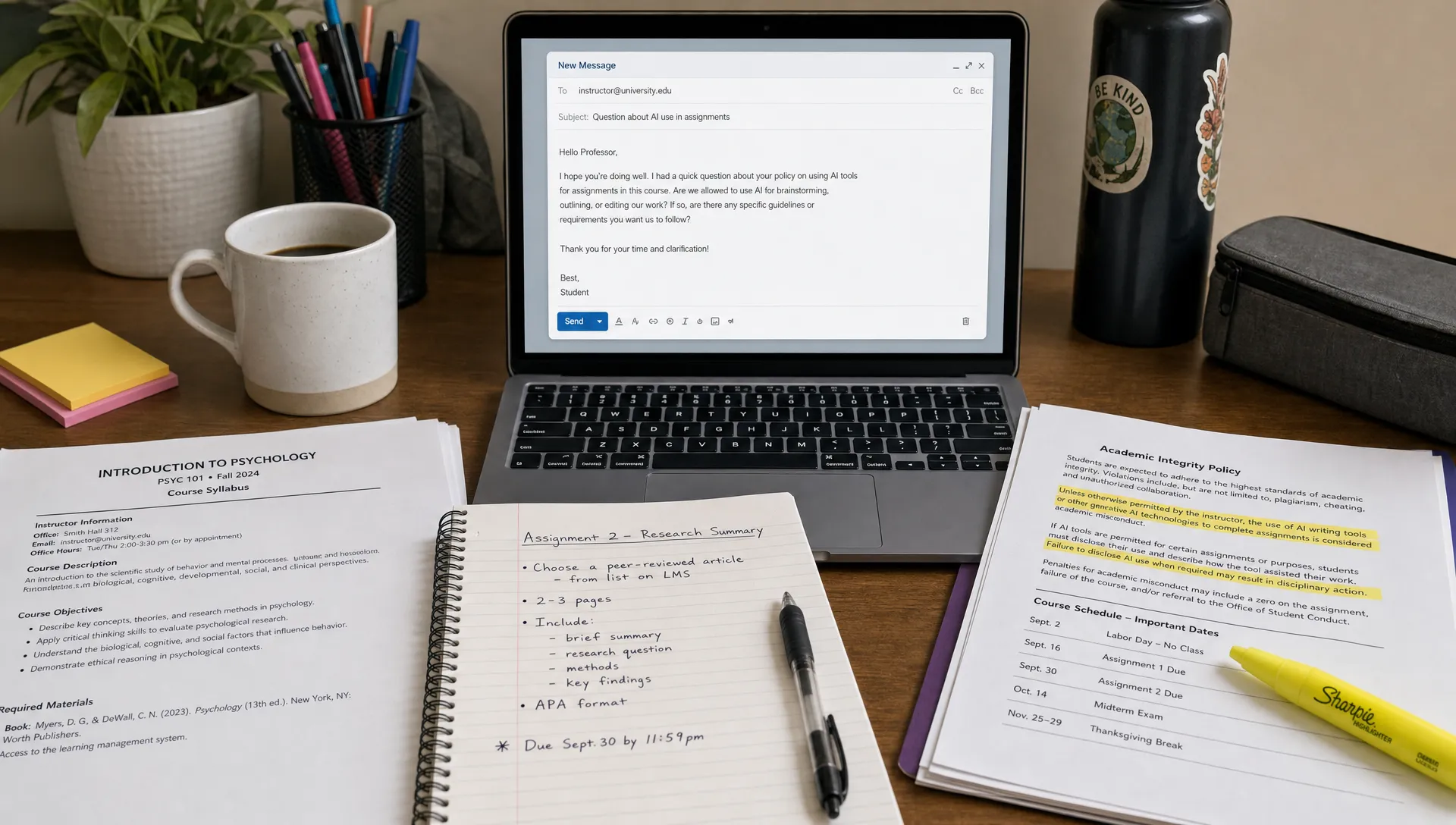
You can still move forward by doing your own research, building your own outline, saving your notes and drafting in a document with version history turned on. If you later receive permission to use AI for limited support, you can incorporate it transparently without blurring who created the work.
For a full process that keeps drafts, proof and policy aligned, the safe AI writing workflow for college is a useful companion to this situation.
Keep proof of your writing process
When a syllabus has no AI policy, documentation matters. It gives you a clean record if there is confusion later. This is not about being paranoid. It is about making your authorship visible.
Use a document tool that keeps version history, such as Google Docs, Microsoft Word with OneDrive or another platform your school supports. Avoid writing the entire paper somewhere that leaves no draft trail, then pasting it into the final document at the end. Large paste events can be hard to explain if your work is questioned.
Save materials that show your process:
- Research notes and source annotations.
- Early outlines and rough drafts.
- Screenshots or logs of any AI prompts you used.
- Professor emails clarifying what is allowed.
- Your final disclosure statement if one is required.
If you use an AI tool, keep the prompts and outputs. Do not rely on memory. A prompt record can show that you used AI for brainstorming, grammar suggestions or study help rather than full authorship. It also helps you avoid accidentally using uncited AI wording.
This matters because detector scores are not perfect. If a professor later questions your work, a detailed process record is more persuasive than saying “I did not use AI” without supporting evidence.
Decide whether to disclose AI use
If the syllabus has no AI policy, disclosure becomes a judgment call unless your school has a separate requirement. In many cases, a brief disclosure is safer than silence, especially if AI meaningfully influenced your process.
Disclosure does not need to be dramatic. It should be short, factual and tied to what you actually did. Do not overexplain. Do not include a long defense. A simple note can reduce ambiguity.
For example:
I used ChatGPT to generate study questions while preparing for this essay. I wrote the final argument, analysis and wording myself.
Or:
I used Grammarly for spelling and grammar suggestions. No AI tool generated the substance of this submission.
If your professor asks for a specific format, follow that format. If your discipline uses citation guidance, check the relevant style manual. The APA Style guide on citing ChatGPT explains one approach for reproducible prompts and AI-generated text. The MLA Style Center also provides guidance on citing generative AI when it contributes to a project.
For wording examples that do not sound defensive, see this guide on how to disclose AI use in an assignment.
Do not treat “not prohibited” as “allowed for everything”
This is the most common mistake. A student sees no AI rule in the syllabus, uses a tool heavily, then argues that the professor never banned it. That argument may not work if the school defines unauthorized assistance broadly.
A safer interpretation is: if AI use affects the substance of graded work, get permission first.
Substance includes claims, analysis, solutions, structure, source selection and wording that appears in the final submission. Surface-level help is usually easier to defend, but even that depends on the course. In a writing class, style and wording may be part of the assessment. In a language class, translation or grammar correction may defeat the point of the assignment. In a coding course, generated code may be treated as outside assistance.
The same tool can be acceptable in one class and prohibited in another. A professor teaching a digital rhetoric course might require students to experiment with AI. A professor teaching first-year composition might ban AI drafting so they can evaluate each student’s writing development. A computer science instructor might allow AI for debugging but require students to explain every line of code.
So the question is not “Is ChatGPT allowed at my school?” The better question is “What AI use is allowed for this assignment in this course?”
Watch for implied AI limits in assignment language
Even when the syllabus is silent, assignment wording can create limits. Certain phrases signal that your professor expects unaided work or tightly controlled assistance.
| Assignment wording | What it may imply | Safer response |
|---|---|---|
| “In your own words” | The professor wants your original phrasing and understanding | Do not use AI to rewrite or generate final text |
| “No outside assistance” | Help from people or tools may be restricted | Ask before using AI for anything beyond basic spellcheck |
| “Individual work” | Collaboration and shared generation may be prohibited | Keep your process separate and documented |
| “Show your work” | The reasoning process is being graded | Do not use AI to solve steps you cannot explain |
| “Reflect on your personal experience” | Authentic personal voice matters | Avoid AI-generated reflection or personal narrative |
This is also where hidden or unusual prompt instructions can complicate things. Some assignments may include traps or decoy instructions designed to catch copied AI output. If you are concerned about that kind of prompt design, DetectionDrama has a separate article on hidden AI traps in assignments that explains what to look for.
What if your professor says “AI is fine” verbally?
Verbal permission is helpful, but written permission is better. If your professor says in class that AI use is allowed, note the date and exact wording. Then send a brief confirmation if the assignment stakes are high.
For example:
Professor [Name], I wanted to confirm my understanding from today’s class: for the research memo, AI tools are allowed for brainstorming and grammar review, but the analysis and final wording should be our own. Please let me know if I misunderstood.
This protects both sides. You are not challenging the professor. You are making sure you heard the rule correctly.
If the professor gives broad permission, still ask about limits. “AI is fine” may not mean “AI can write the paper.” Clarify whether you can use it for brainstorming, outlining, drafting, revising, coding, source summaries, citations or editing. Those are different levels of assistance.
What if your professor does not answer?
If you asked in writing and received no response, follow the strictest reasonable interpretation of the available rules. That usually means writing the assignment yourself, avoiding generated prose and keeping any AI use limited to learning support or basic editing that your school already allows.
You can include a short disclosure if you used AI in a limited way, but do not use disclosure as a shield for prohibited conduct. Saying you used AI does not automatically make the use acceptable. It only makes the use transparent.
If the policy gap affects many students, ask during class or post the question in the official course discussion board if appropriate. Other students may have the same concern, and a public answer creates a shared record.
For major assignments, you can also contact a writing center, academic advisor or academic integrity office. Do not ask them to approve your specific use unless they have authority to do so, but they can help you interpret university rules and decide what to ask the professor.
If you already used AI before noticing the policy gap
Do not try to hide the process by deleting drafts, prompts or chat history. That can make things worse if a question comes up later. Instead, pause and evaluate how much AI contributed.
If AI only helped you brainstorm or fix typos, document that and consider a brief disclosure if appropriate. If AI generated paragraphs, analysis or solutions that appear in the final work, revise the assignment so the submitted content is genuinely yours. That may mean rebuilding the outline, rewriting from your own notes and checking every claim against real sources.
If you are unsure whether your use crossed a line, ask before submitting. It is easier to clarify and correct the process before the deadline than to defend it after an AI detection issue appears.
Quick decision guide
Use this as a practical rule of thumb when the syllabus has no AI policy.
| Your situation | Recommended action |
|---|---|
| You have not used AI yet | Check the prompt, school policy and LMS, then email the professor |
| You want AI for brainstorming only | Ask if possible, save prompts and avoid copying output into the final submission |
| You want AI to write or rewrite text | Do not do it unless clearly allowed for that assignment |
| The professor allowed AI verbally | Send a short confirmation email and save the response |
| The deadline is soon and no one has replied | Use the strictest reasonable rule and write the final work yourself |
| You already used AI heavily | Rebuild the assignment from your own thinking and ask for guidance if needed |
Frequently Asked Questions
If the syllabus has no AI policy, can I use ChatGPT? Not automatically. Check the assignment prompt, university academic integrity policy and department rules first. If none answer the question, ask your professor about the specific use you have in mind.
Can I use AI for grammar if there is no AI policy? Often this is lower risk than AI drafting, but it depends on the course. Grammar help may be restricted in writing, language or assessment-heavy courses. Ask if the assignment grades your wording, style or language ability.
Should I disclose AI use when the professor did not ask? If AI had a meaningful role in your work, a short factual disclosure can reduce confusion. Keep it brief and describe the actual use, such as brainstorming, grammar review or citation formatting help.
Will Turnitin detect AI if the syllabus does not mention AI? A course may still use Turnitin or another AI content detector even if the syllabus does not say so. Detector results should not replace policy, drafts and human judgment, but a flag can still trigger questions.
What should I do if I am accused after following a silent syllabus? Gather your syllabus, assignment prompt, policy research, professor emails, drafts, version history, notes, sources and AI prompt records. Stay calm, respond through the official process and focus on showing your authorship.
Bottom line
When a class syllabus has no AI policy, your best protection is clarity. Check the rules that sit outside the syllabus, ask the professor a specific question, save the answer and keep a visible drafting trail. If you cannot get an answer before the deadline, avoid AI-generated final text and complete the assignment in your own words.
DetectionDrama exists to help students understand AI detection, writing policies and the messy gray areas around AI-generated content. If you want free guides and tools before you submit, visit DetectionDrama and review your process before a detector, professor or policy dispute turns ambiguity into a problem.
