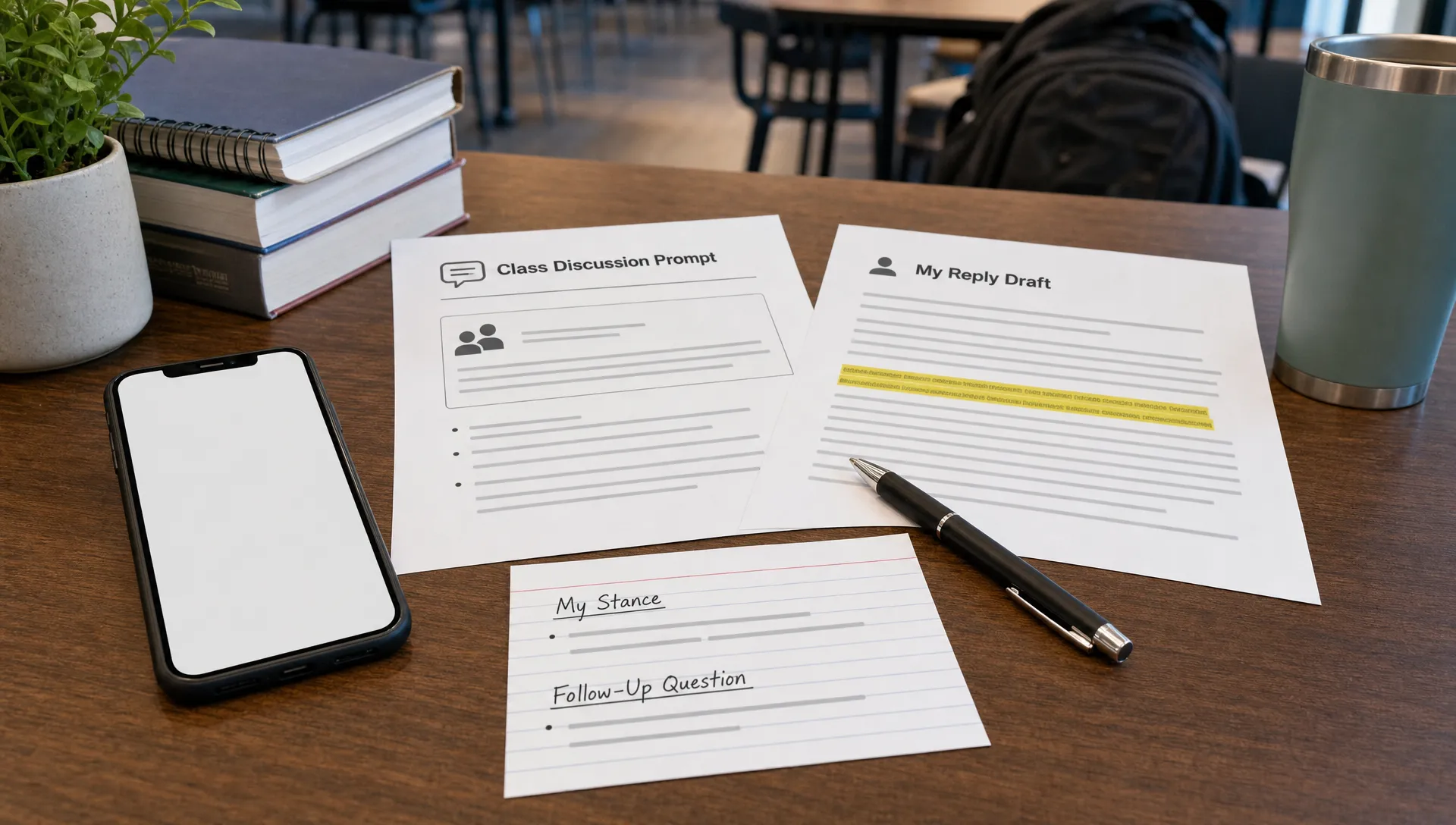
AI discussion replies are usually short, which makes every sentence matter. A generic opening, a too-perfect paragraph, or a vague response to a classmate can make the reply feel like AI-generated content even if the idea is valid.
The fastest way to humanize AI discussion replies is not to swap words for synonyms. It is to make the reply sound like it came from a specific person who read the prompt, understood the thread, and had a real reason for responding.
That means adding three things quickly: context, stance, and interaction. If you can do that in 10 minutes, your post will read more naturally to humans and avoid the robotic patterns that often trigger suspicion from an AI content detector.
Want to bypass Turnitin in 2026? Grab the free prompt pack.
Get the exact text-humanization prompts I use to drop an AI score by hand — copy, paste, submit. Free, straight to your inbox.
Send me the free prompts →What makes AI discussion replies sound robotic?
Discussion boards have a different rhythm than essays. They are conversational, but still academic enough to show you did the work. AI replies often miss that balance.
The most common problem is that the reply sounds complete but not connected. It may mention the reading, agree with a peer, and end with a neat conclusion, but it does not react to anything specific. Instructors and classmates notice when a post feels like it could fit under any prompt.
Watch for phrases like these:
- “I completely agree with your point.”
- “This is a very insightful perspective.”
- “The reading highlights the importance of this issue.”
- “In conclusion, this topic is very relevant today.”
- “It is important to consider multiple perspectives.”
None of those phrases are wrong by themselves. The issue is that they do not reveal your thinking. A human reply usually has small signs of attention, such as “I noticed you focused on the policy side,” or “I read that part differently because the author uses the example of remote work.”
If you want a deeper look at where tools help and where they fall short, Detection Drama has a related guide on whether AI humanizers work on discussion posts and reflections. The short version is simple: a text humanizer can smooth robotic wording, but it cannot invent your real reaction to a classmate, a lecture, or a reading.
The 10-minute workflow to humanize AI discussion replies fast
Use this workflow when you already have a draft and need to make it sound more natural quickly. It works best for short replies, peer responses, and weekly discussion posts.
| Time | Editing step | What it improves |
|---|---|---|
| 1 minute | Reread the prompt and the comment you are answering | Prevents a generic response |
| 2 minutes | Replace the opening with a specific reaction | Adds human context |
| 2 minutes | Add one concrete reference from the reading, lecture, or thread | Shows real engagement |
| 2 minutes | Add your own reasoning in plain language | Builds voice and credibility |
| 1 minute | Vary sentence length and remove filler | Makes the rhythm more natural |
| 2 minutes | Check meaning, citations, and course rules | Avoids accidental errors |
Start with the actual thread, not the AI draft
Before editing the words, look at the discussion prompt and the classmate’s post again. Ask yourself: what exactly am I responding to?
A fast human reply usually begins with a specific hook. Instead of “I agree with your post,” write something like, “Your point about workplace flexibility stood out to me because it connects to the author’s argument about trust.”
That one sentence does several things at once. It shows that you read the peer’s idea, it connects to the course material, and it gives your reply a reason to exist.
Add a clear stance
AI-generated discussion replies often avoid taking a position. They say both sides are important, which is sometimes true, but the result can feel empty.
Try adding a simple stance sentence:
“I mostly agree, but I think the example from the article complicates this.”
“I see the point differently because the evidence focuses more on access than motivation.”
“I agree with your conclusion, but I would add that the policy only works if people have support outside the workplace.”
A stance does not need to be dramatic. It just needs to show direction. Human writing often has a small amount of friction, uncertainty, or qualification.
Use one specific anchor
A humanized discussion reply should include at least one anchor from the class context. That anchor can be a reading, lecture idea, statistic, case study, quote, or a detail from a peer’s comment.
For example, instead of writing “The article explains that social media affects behavior,” write “The author’s example of teenagers changing their posting habits after seeing peer feedback made the argument more concrete for me.”
That kind of detail is hard to fake convincingly. It also makes the reply more useful because it gives classmates something specific to respond to.
Add one true personal observation
Personal does not mean oversharing. It means adding a small, truthful observation that explains why you read the issue a certain way.
You might write, “I have seen a similar pattern in group projects, where people participate more when expectations are clear.” That is more believable than a dramatic personal story that does not fit the assignment.
If you do not have a personal example, use a thinking-based observation instead: “At first I thought the author was arguing for stricter rules, but the second example made it seem more like an argument for better guidance.”
That sentence sounds human because it shows movement in your thinking.
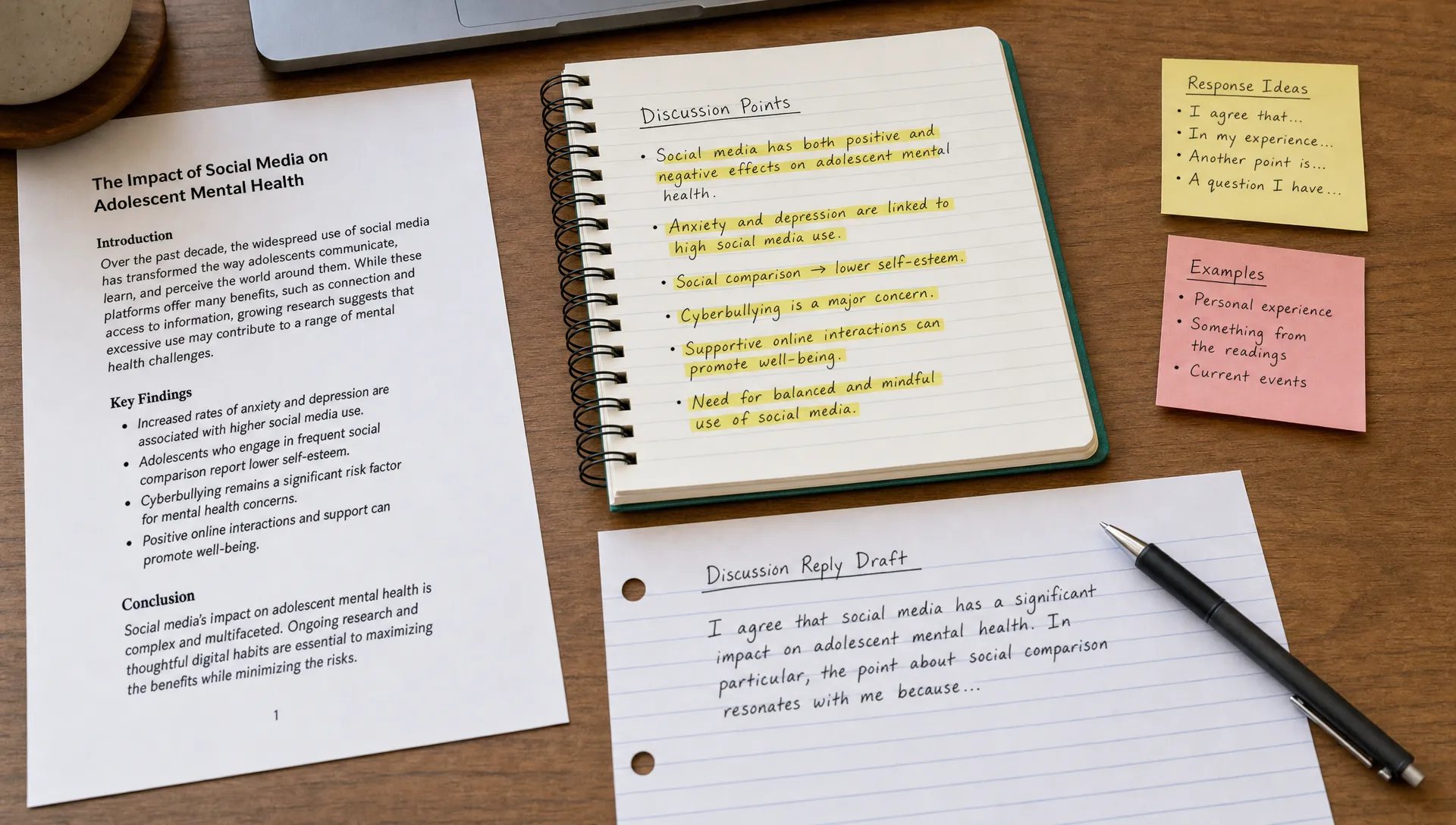
Before and after: a faster humanized reply
Here is a simple example of how to humanize AI text for a discussion board without making it overly casual.
AI-like draft: I agree with your post because technology has many benefits and challenges in education. It is important to consider how students use digital tools and how teachers can support learning. The reading also shows that technology can improve access, but it may create problems if not used correctly.
Humanized version: I agree with your point about access, especially when you mentioned students who rely on digital tools outside class. The part I would add is that access alone does not solve the problem. In the reading, the author seems to focus just as much on guidance as on availability. That made me think about how a tool can be helpful for one student but distracting for another if there are no clear expectations.
The revised version is not longer because it uses fancy wording. It is stronger because it responds to a specific point, adds a course anchor, and explains the writer’s thinking in a natural order.
How to use a text humanizer without creating weird phrasing
A text humanizer can help when a draft sounds too polished, repetitive, or flat. The mistake is treating the tool as the final writer. For discussion replies, the better approach is to use the tool for one editing pass, then make the last pass yourself.
Before using any AI writing tools, protect the parts that should not change. Keep names, source titles, key terms, assignment language, and citations intact. If your reply includes a quote or a required concept, do not let a rewriting tool blur it.
A safe quick process looks like this:
- Paste only the paragraph you want to improve, not your whole assignment history.
- Ask for a more natural discussion-board tone, not a dramatic rewrite.
- Compare the output with your original to make sure the meaning stayed the same.
- Replace any phrase you would not actually say.
- Add one specific reference to the thread or reading after the tool finishes.
For a deeper workflow, use Detection Drama’s guide on how to use an AI humanizer without changing meaning. That step matters because humanizing should not distort your claim, weaken your evidence, or create accidental inaccuracies.
Fast edits that make a reply sound more human
If you only have a few minutes, focus on edits that change how the reply feels to a reader. These are small but high-impact.
Cut the generic first sentence. Most AI discussion replies begin too broadly. If the first sentence could apply to any post in the class, replace it.
Use “because” more often. Human replies explain why they agree, disagree, or qualify a point. A simple “because” often adds more authenticity than a full rewrite.
Vary sentence length. AI drafts often use balanced, medium-length sentences. Add one short sentence for emphasis, then follow it with a more developed explanation.
Keep one imperfect but clear phrase. Real discussion posts are not usually polished like journal articles. If every sentence sounds optimized, the reply may feel less believable.
Ask a real follow-up question. Do not end with “What do you think?” unless it fits. A better question is tied to the topic: “Do you think the author’s argument would still apply in a class where students have limited internet access?”
You can also use a quick naturalness pass like the one in Detection Drama’s guide on how to make AI writing sound more natural in 10 minutes, then adapt it specifically for the discussion prompt.
What to avoid when humanizing discussion replies
Speed can lead to sloppy edits. The goal is not to hide the draft’s origin with random wording changes. The goal is to make the reply accurate, specific, and genuinely yours.
Avoid over-casual language if the class expects academic discussion. A phrase like “Honestly, this was super interesting” might sound human, but it may not match the course tone. Use natural language without dropping the academic purpose.
Avoid adding fake personal experiences. A fabricated example can make the reply sound less trustworthy, and it can create problems if someone asks you to explain it later. If you need a personal angle, use a real observation or describe how your thinking changed.
Avoid changing key terms. In many classes, terms like “social construction,” “opportunity cost,” “trauma-informed practice,” or “cognitive bias” have specific meanings. A humanizer might replace them with looser wording, which can weaken the reply.
Avoid relying on AI detection scores alone. Tools like Turnitin and other AI detection systems may be part of an academic workflow, but a low or high score is not the same as a strong discussion reply. A human reader still looks for relevance, accuracy, and engagement.
Most importantly, follow your course, workplace, or platform rules for AI assistance. If AI use is not allowed, do not use a rewriting tool to misrepresent AI-generated work as fully your own.
Quick checklist before you post
Before submitting a humanized discussion reply, read it once and check for these signals:
- It responds to a specific classmate, prompt, or reading.
- It includes one concrete detail instead of only general claims.
- It explains your reasoning, not just your agreement.
- It sounds like your normal writing voice.
- It keeps required terms, citations, and facts accurate.
- It ends with a useful question or a clear final thought.
- It does not contain fake personal details.
- It follows the rules for AI use in your setting.
If the reply passes that checklist, it will usually feel more human because it is doing what real discussion posts are supposed to do: continue the conversation.
Frequently Asked Questions
Can I humanize AI discussion replies in under 10 minutes? Yes, if you already have a draft. Focus on replacing the generic opener, adding one specific course or thread detail, stating your actual stance, and checking that the meaning stayed intact.
Will a text humanizer guarantee that my reply passes AI detection? No tool can honestly guarantee that every reply will pass every AI content detector. Detectors vary, and short discussion posts can be difficult to evaluate. The better goal is to make the writing accurate, specific, and genuinely connected to your own thinking.
What is the biggest giveaway of an AI-generated discussion reply? The biggest giveaway is generic engagement. If the reply praises a classmate without naming their actual point, mentions the reading without a specific detail, or ends with a vague conclusion, it can feel robotic.
Should I add personal experience to every discussion reply? Only add personal experience when it is true and relevant. A small observation or a sentence about how your thinking changed is often enough. Do not invent a story just to make the reply sound human.
Can I use AI writing tools for class discussion posts? It depends on your class policy. Some instructors allow brainstorming or editing help, while others restrict AI use. Always follow the rules that apply to your assignment.
Humanize your next discussion reply faster
If your draft sounds stiff, repetitive, or too much like a template, Detection Drama can help you make a cleaner first pass. Use the free humanizer tool on Detection Drama to smooth AI-like wording, then add your own thread-specific details before posting.
For best results, treat the tool as an editor, not a substitute for your judgment. The fastest humanized replies still need your real stance, your reading of the prompt, and your final review.
