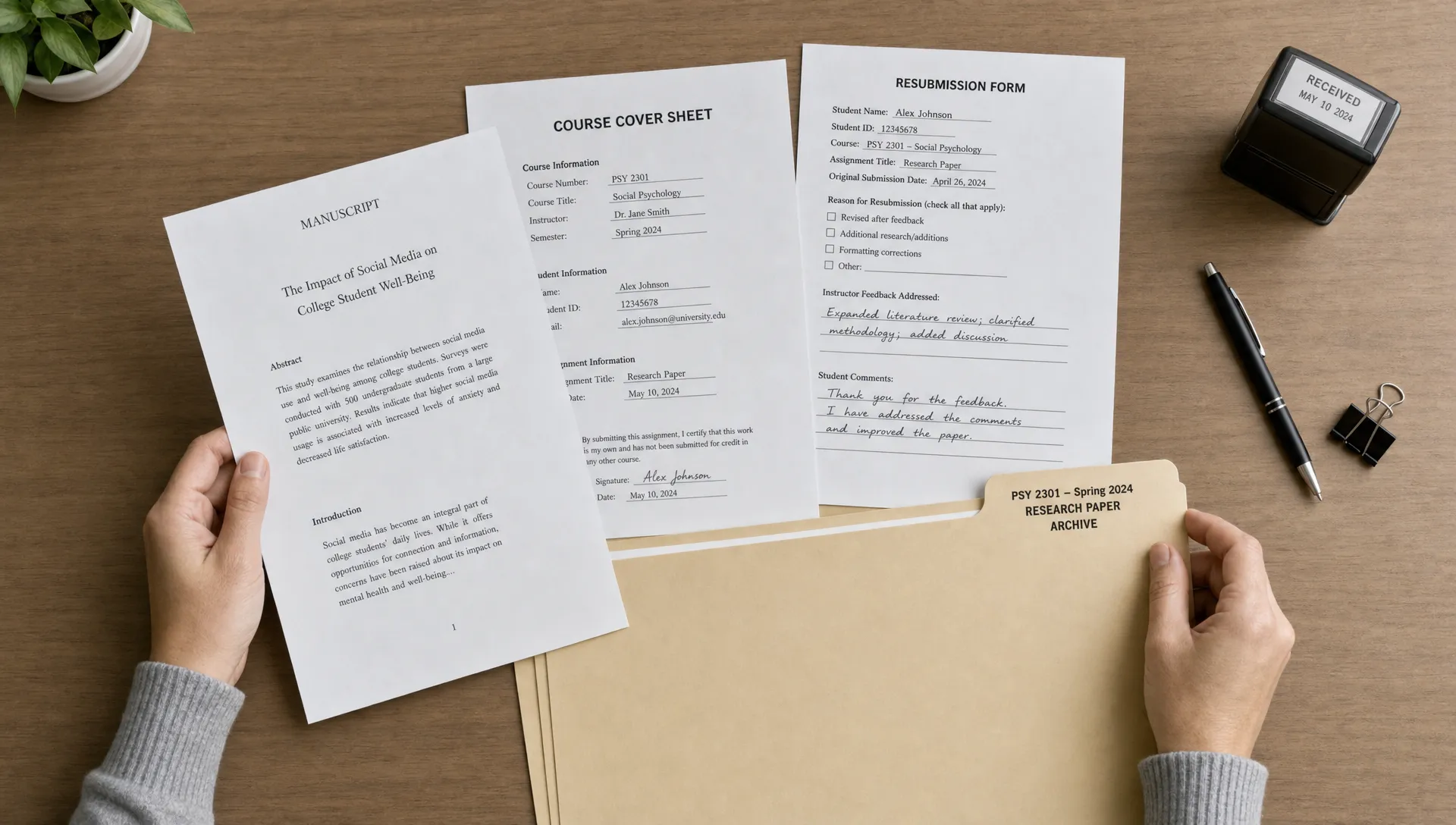
When you upload a paper through a class portal, Turnitin may do more than generate a Similarity Report. Depending on the assignment settings, a copy of your work can be stored in the Turnitin repository so future submissions can be compared against it. That storage decision affects resubmissions, draft checks, group projects, privacy questions and what happens if you later reuse part of your own writing. The key is that repository storage is not the same thing as an accusation of plagiarism. It is a database function used for text matching, and the consequences depend heavily on how your school configures the assignment.
The only tool that bypassed Pangram and Turnitin in 2026.
Most humanizers clear one detector and get caught by the other. StealthWriter is the one that gets past both — run Ghost 5.2 Pro at level 7–8, section by section, and re-check before you submit.
Try StealthWriter →The short answer: it stores a comparison copy
Turnitin compares submitted writing against several source categories, including web pages, academic publications and previously submitted student papers. The repository is the part of that system that stores student submissions for future comparison, if the assignment is set to store them.
That means your paper may become a source that later papers are checked against. If another student submits copied text from your work, their report may show a match. If you submit the same paper again in a different class, your own earlier submission may appear as a matching source.
This does not mean Turnitin publishes your paper on the open web. Other students cannot browse the database, search your name or download your file from it. Instructors see matched text through the report interface, subject to institutional permissions.
What the Turnitin repository actually stores
The Turnitin repository is best understood as a comparison archive, not a public library. It stores the submitted document, or a processed version of it, so the text can be used in later similarity comparisons. The exact storage route depends on whether the instructor selected a standard repository, an institution-only repository or no repository.
In a normal class submission, Turnitin receives metadata as well as the paper itself. Metadata can include the student account, assignment, course and timestamps, although what an instructor can see depends on the learning management system and local policy.
The database is mainly used to answer one question: has this wording appeared in a previous source that Turnitin can access? It does not decide whether the match is acceptable quotation, common phrasing, correctly cited reuse or misconduct. That judgment belongs to the instructor and the institution’s academic integrity process.
If you want the broader mechanics behind the two scores students often confuse, Detection Drama has a separate guide on how Turnitin software works, including the difference between similarity checking and AI writing indicators.
Repository settings that matter before you submit
The Turnitin repository setting matters because two assignments can behave very differently even when they use the same upload box. One teacher may allow draft checks without storage. Another may require final submissions to be stored permanently for future matching. Students usually do not choose this setting, but they can ask what has been enabled.
Labels vary across Turnitin products and school integrations, but the practical options usually look like this:
| Setting type | What it usually means | Student impact |
|---|---|---|
| Standard paper repository | The submission can be compared against papers from many Turnitin-using institutions | Future submissions elsewhere may match your earlier paper |
| Institution paper repository | The submission is stored for matching inside your school or organization | Reuse within the same institution is more likely to be detected |
| No repository | A report can be generated without saving the paper for future student-paper matching | Often used for drafts or practice submissions |
| Student choice or special workflow | The storage choice may depend on a local setup | Ask the instructor before uploading |
If a course policy says draft uploads are available, do not assume those drafts are excluded from storage. Ask whether the draft assignment is set to “no repository” or whether it saves papers like a final submission.
How future matches and resubmissions work
Once a paper is stored, the Turnitin repository can cause later submissions to match against that earlier version. This is why students sometimes see a high similarity percentage after resubmitting work, submitting the same paper to a new class or uploading a group paper where another member submitted first.
A match to your own earlier writing is not automatically plagiarism, but it can raise a self-plagiarism or unauthorized reuse issue if the assignment required new work. Some schools allow revised or expanded reuse with permission. Others require every submission to be original to that course.
The Similarity Report should show the source category and matched text, but it may not always reveal the full paper behind a student submission match. In many cases, an instructor may need to request access through Turnitin’s workflow or contact another instructor or institution.
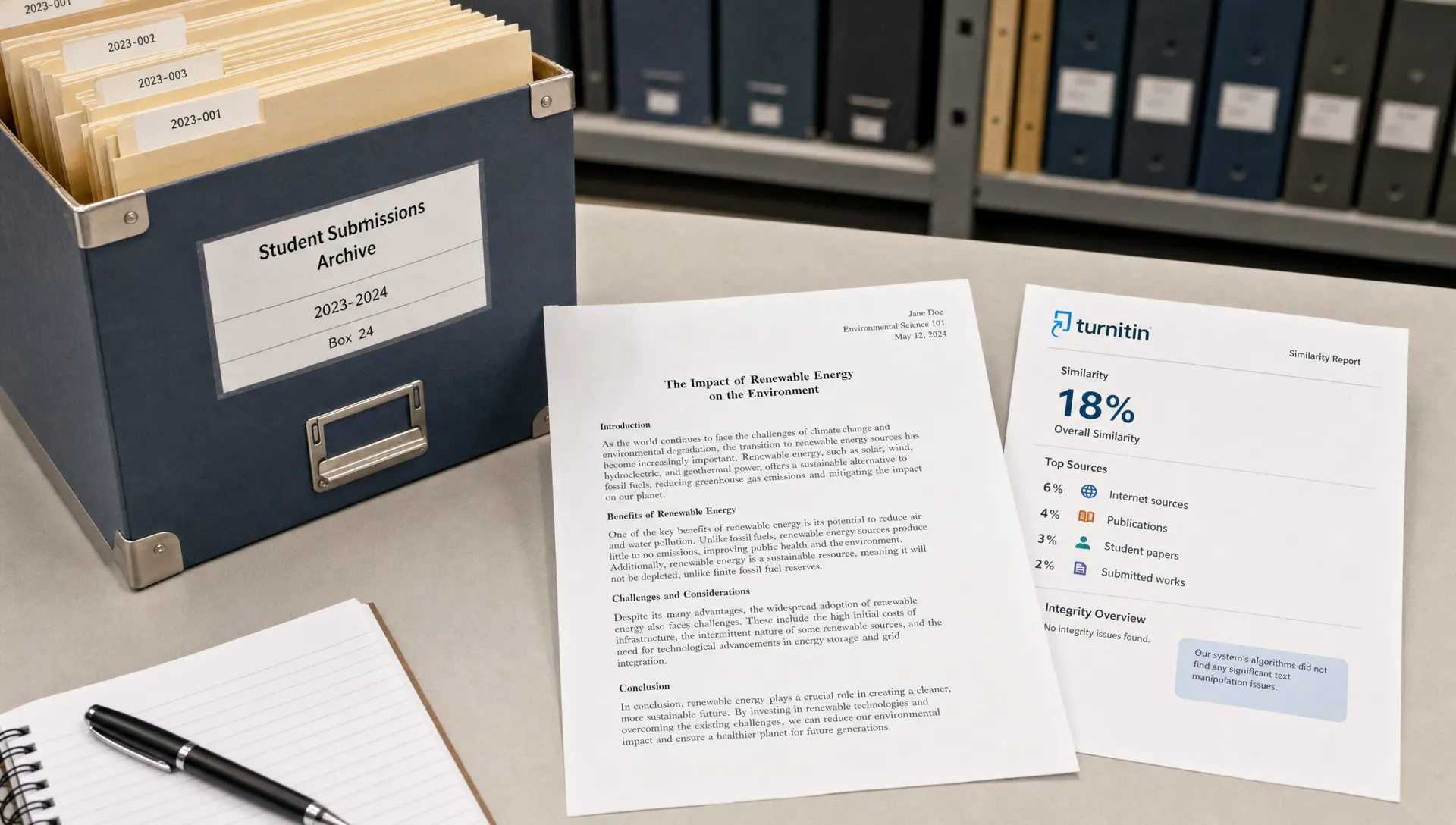
Does Turnitin own your paper?
Uploading to Turnitin does not usually mean the company owns your copyright. In many academic settings, the student remains the author and copyright holder of the paper. The institution and Turnitin may have permission to store and process the submission for academic integrity purposes, based on the school’s contract and policies.
The Turnitin repository still raises fair questions. Students may want to know how long papers are retained, whether they are stored globally or only inside the institution, and who can request deletion. Those answers are normally controlled by the school’s Turnitin administrator, not by an individual classroom instructor alone.
If privacy is a concern, start with the syllabus, academic integrity policy or technology privacy notice. If those documents do not explain repository storage clearly, ask before submitting. A short written answer from the instructor or administrator is more useful than a verbal guess.
Draft checks, pre-checks and third-party upload risks
The safest draft workflow is the one your school officially provides and explains. If a draft assignment is configured not to store papers, it can help you catch citation problems without causing your final version to match an earlier copy. If it stores papers, the final submission may match the draft.
The Turnitin repository is also why unofficial “Turnitin check” services are risky. If a third-party site claims to run your paper through Turnitin, you may not know whose account is being used, whether the file is stored, whether your work is being copied or whether the report is legitimate.
For a more detailed risk breakdown, see Detection Drama’s guide on whether Turnitin pre-checks reduce risk or increase flags. The practical rule is simple: do not upload unpublished academic work to a random checker unless you understand exactly where the file goes.
What to ask before uploading a paper
You do not need to know every back-end setting to protect yourself. You need a few clear answers before submitting, especially if the paper is a draft, a resubmission or work you may build on later.
Ask these questions in plain language:
- Will this assignment store my paper in a student paper database?
- Is the storage global, institution-only or disabled for drafts?
- Can I resubmit without the earlier version counting against me?
- What should I do if I accidentally uploaded the wrong file?
- Who handles repository deletion requests at this school?
These questions are not suspicious. They are normal academic technology questions, especially for students working on capstones, thesis chapters, conference papers or writing they may revise across multiple courses.
If your concern is AI detection rather than text matching, the process is different. Detection Drama’s guide to the best way to check AI risk without a Turnitin account focuses on authorship evidence, assignment policy and safer revision habits.
What to do if your paper was stored by mistake
If your work was saved to the Turnitin repository by accident, act quickly and keep the request factual. Common examples include uploading to the wrong assignment, submitting a draft to a final-storage folder or using a test class that should have been set to no repository.
Start with the instructor because they control the assignment context. Explain what happened, include the submission ID if available and ask whether the paper can be removed from the repository. If the instructor cannot do it, the request may need to go to the school’s Turnitin administrator or academic technology office.
Do not submit the same paper repeatedly while waiting for an answer. More uploads can create more stored copies or confusing report histories. If a deadline is involved, ask the instructor how they want you to proceed and save that response.
Repository matches are not the same as AI flags
A stored-paper match and an AI writing flag are separate issues. The repository supports similarity checking, which compares text against sources. AI detection tries to estimate whether text may have been generated by an AI writing system. One report can have a low similarity score and a high AI indicator, or the reverse.
This distinction matters when students try to interpret a Turnitin result. A high similarity score may come from quoted material, references, templates, reused lab language or an earlier draft stored in the Turnitin repository. An AI concern may come from sentence patterns, generic phrasing or other model-based signals, even if the text does not match any source.
Treat each report as a starting point for review, not as a final verdict. Look at the highlighted passages, the assignment instructions, your drafts, your notes and your citations. The more evidence you have of your writing process, the easier it is to explain what happened.
Frequently Asked Questions
Can students remove a paper from the Turnitin repository themselves? Usually no. Deletion requests normally go through the instructor, Turnitin administrator or institution. If the paper was submitted to the wrong place, contact your instructor as soon as possible with the submission details.
Will my final paper match my draft if both were submitted to Turnitin? It can, if the draft was stored in a repository. Some draft assignments are set to no repository, but students should confirm the setting rather than assume.
Does a repository match mean I plagiarized? No. A match only means similar text exists in a source Turnitin can compare against. The instructor decides whether the match is acceptable, cited, authorized reuse or a policy problem.
Can another student see my stored paper? Other students cannot browse the Turnitin repository like a search engine. Instructors may see matched text in a report, and access to the full source is controlled by Turnitin workflows and institutional permissions.
Is the Turnitin repository related to AI detection? Not directly. Repository storage supports similarity matching. AI detection is a separate analysis that does not depend on your paper matching a stored student submission.
A calmer way to read Turnitin results
The main thing the Turnitin repository does to your paper is make it available for future text comparison. That can protect your work from copying, but it can also create confusion around drafts, resubmissions and reused writing.
Before uploading, check the assignment policy, ask about storage settings and keep records of your drafts and notes. If you need help understanding Turnitin reports, AI risk or submission choices, Detection Drama offers free resources at detectiondrama.com to help you interpret the process before panic takes over.
